Hi all. I’m stuck trying to use an Arducam UC-626 Rev.B UVC USB 2.0 module with an IMX219 sensor over a sensor extension cable. Without the extension cable everything works fine, but as soon as I put the extension cable in between, I get nothing. I found a thread about this exact setup on the Arducam forum (Using a sensor extension cable with an IMX219 and UVC USB2.0 module) but I’m still not getting it to work. Any ideas?
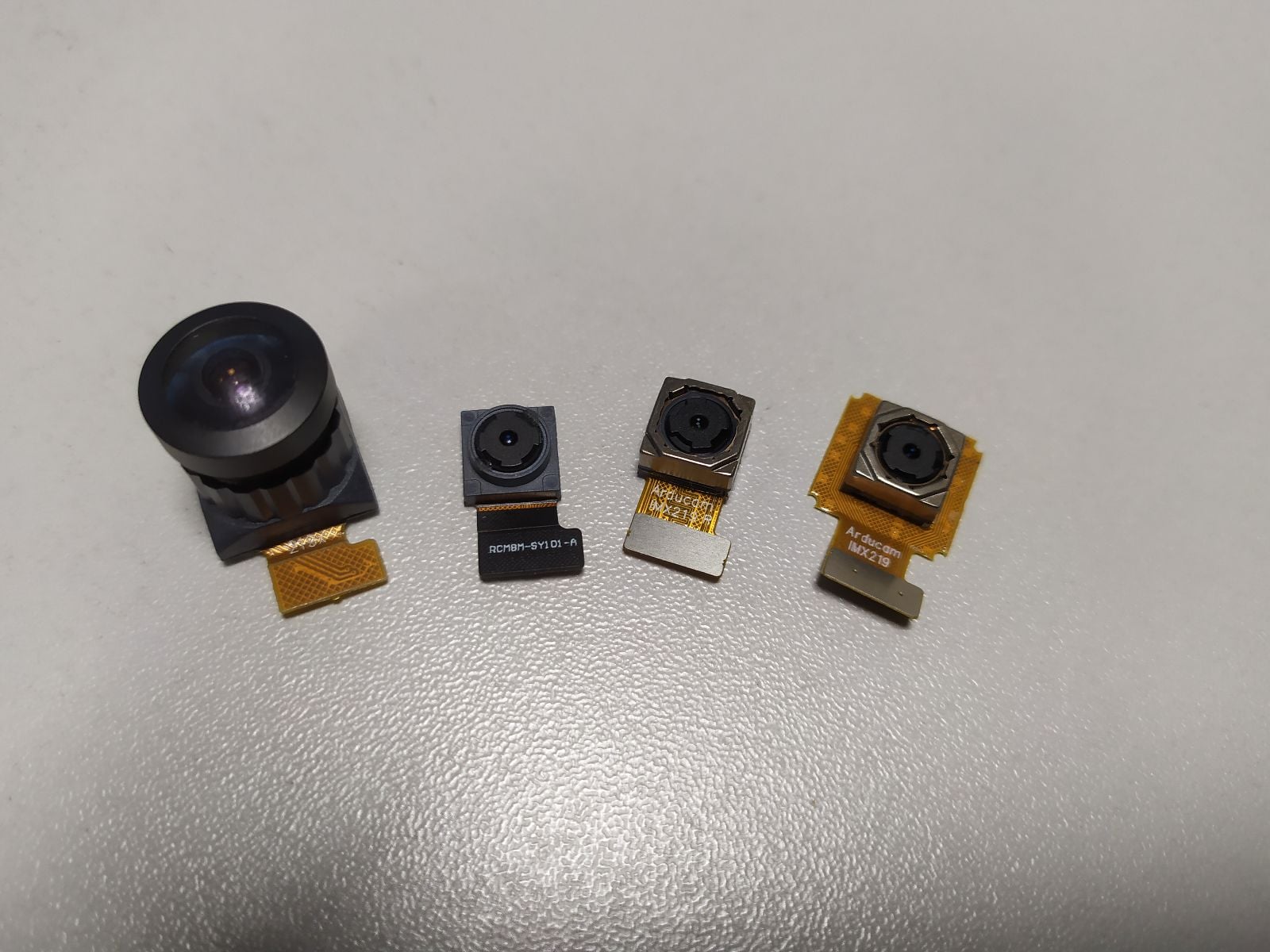
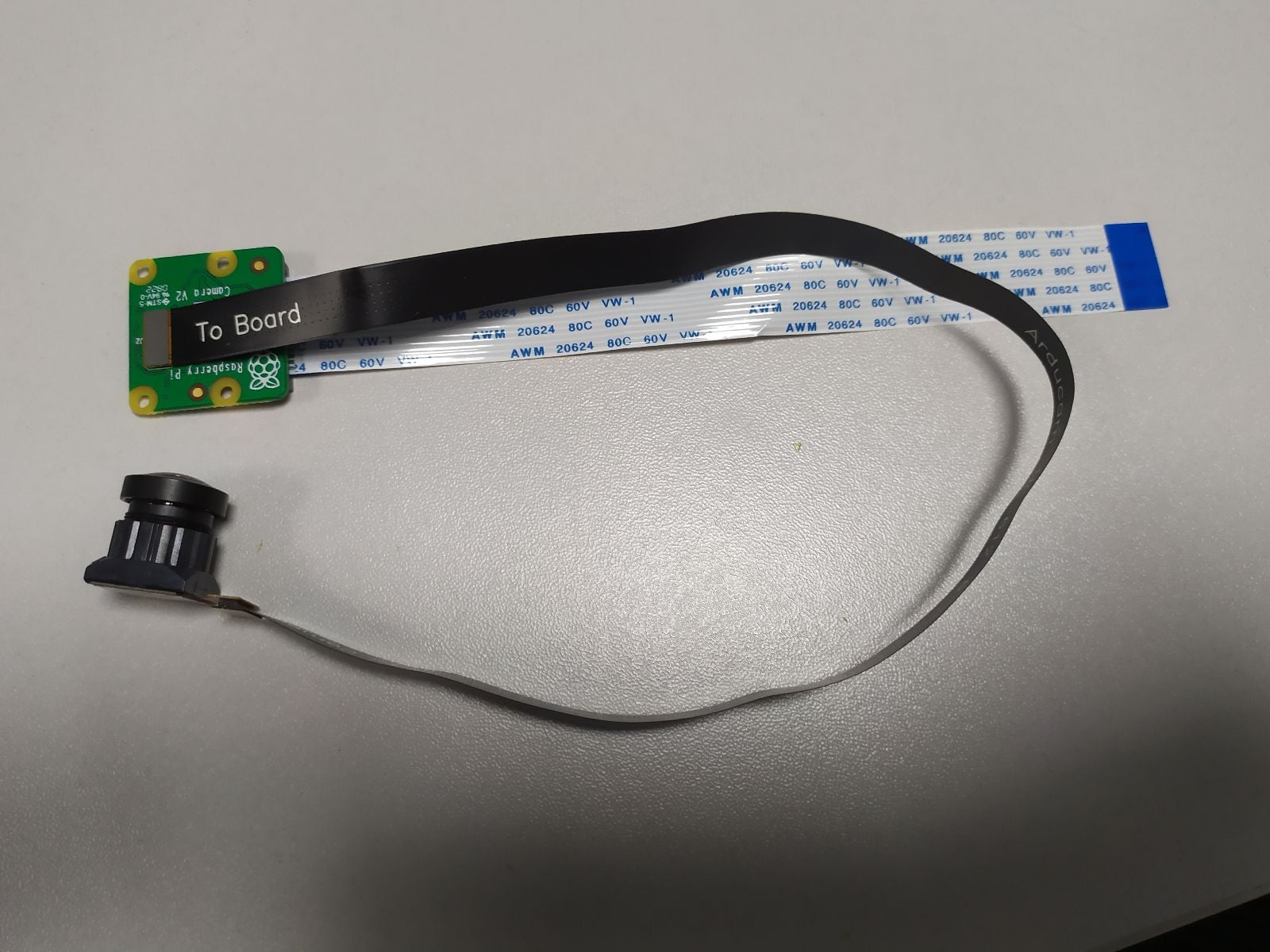
Thanks for the report. Before we dig in, can you share the links where you bought the camera module and the extension cable, or post a few pictures of them? There are several variants of the UVC USB2.0 + IMX219 combo and I want to make sure we identify the exact hardware first.
Sure, here’s what I have:
- Kit: Arducam 8MP IMX219 USB2.0 camera with sensor and extension cable (B0320): ArduCAM 8MP IMX219 USB2.0 Camera - kamera USB 8MP z sensorem IMX219 i przedłużaczem - sklep Kamami
- Additional sensor: 160-degree IMX219 sensor: Moduł kamery Sony IMX219 8MPx 160 stopni - dla Raspberry Pi Sklep Botland
Pictures of the module and cable:
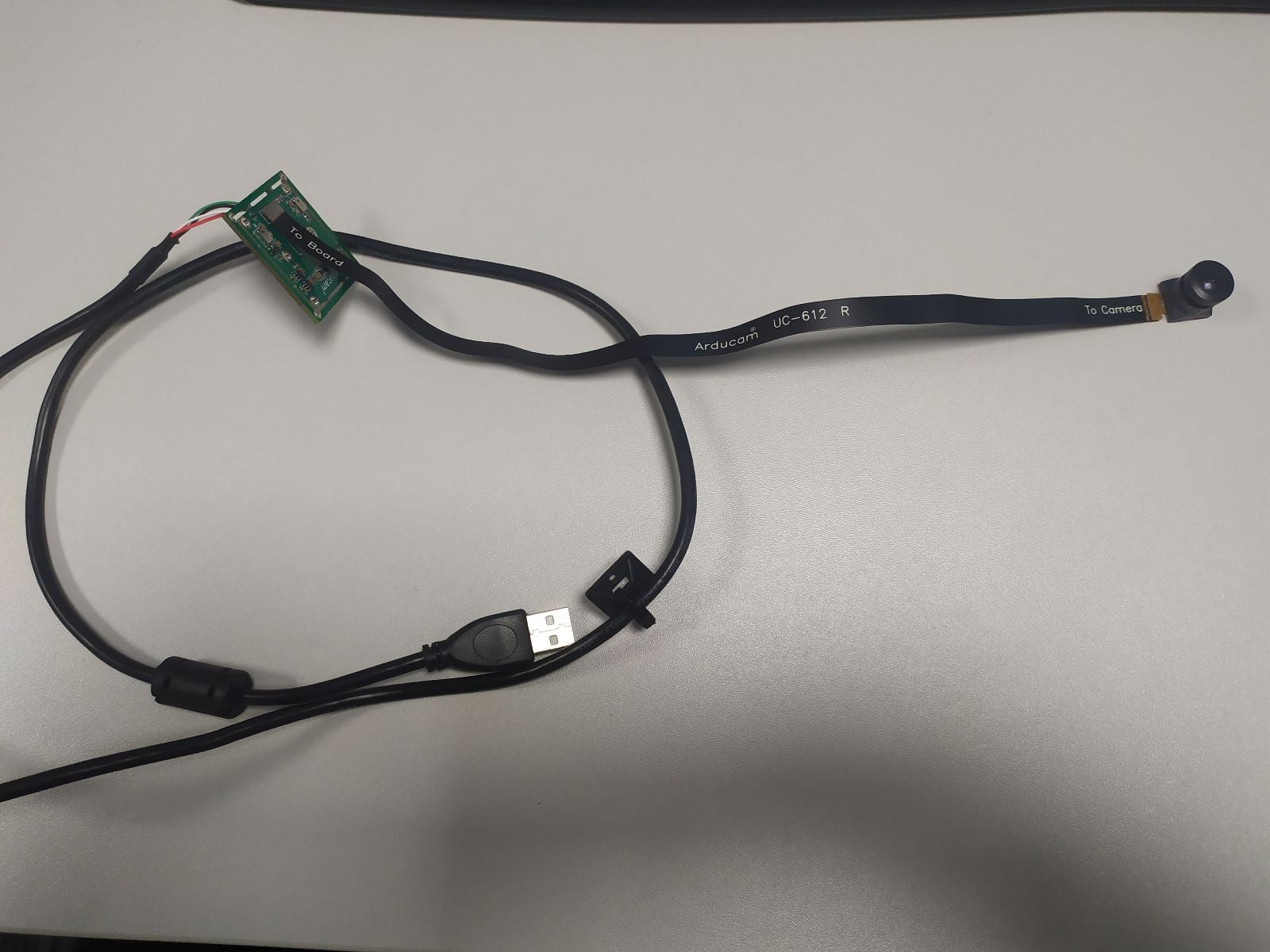
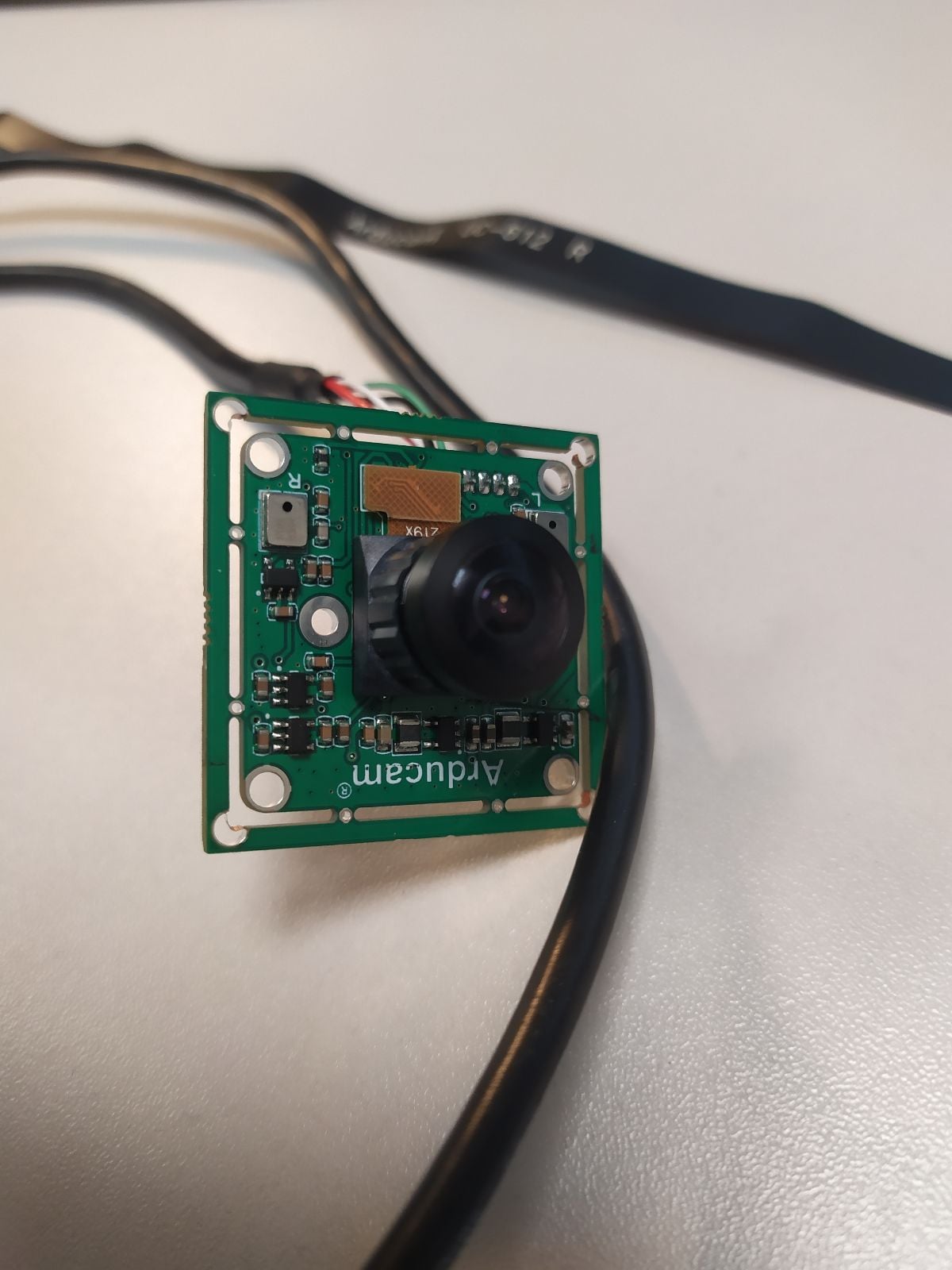
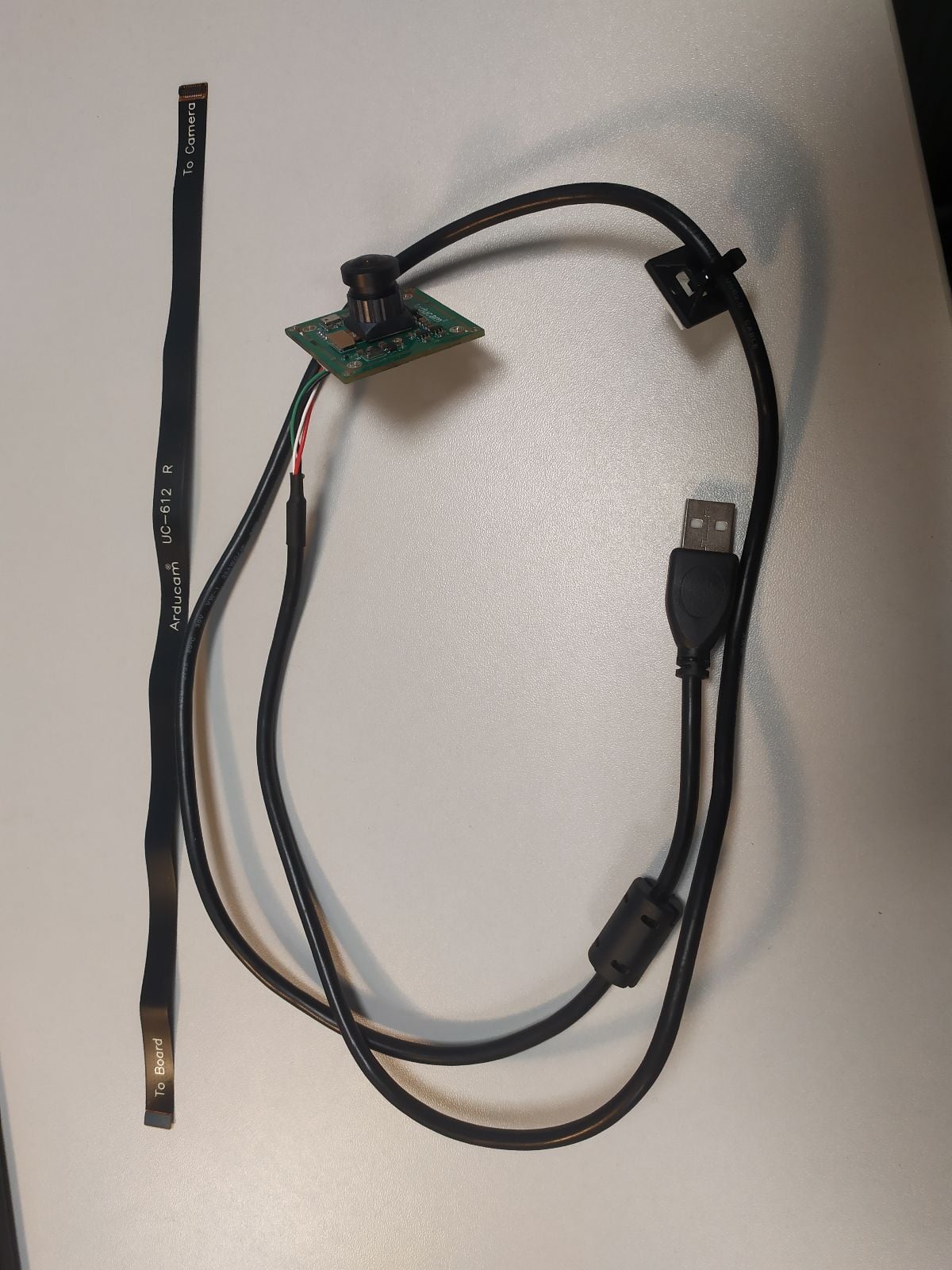
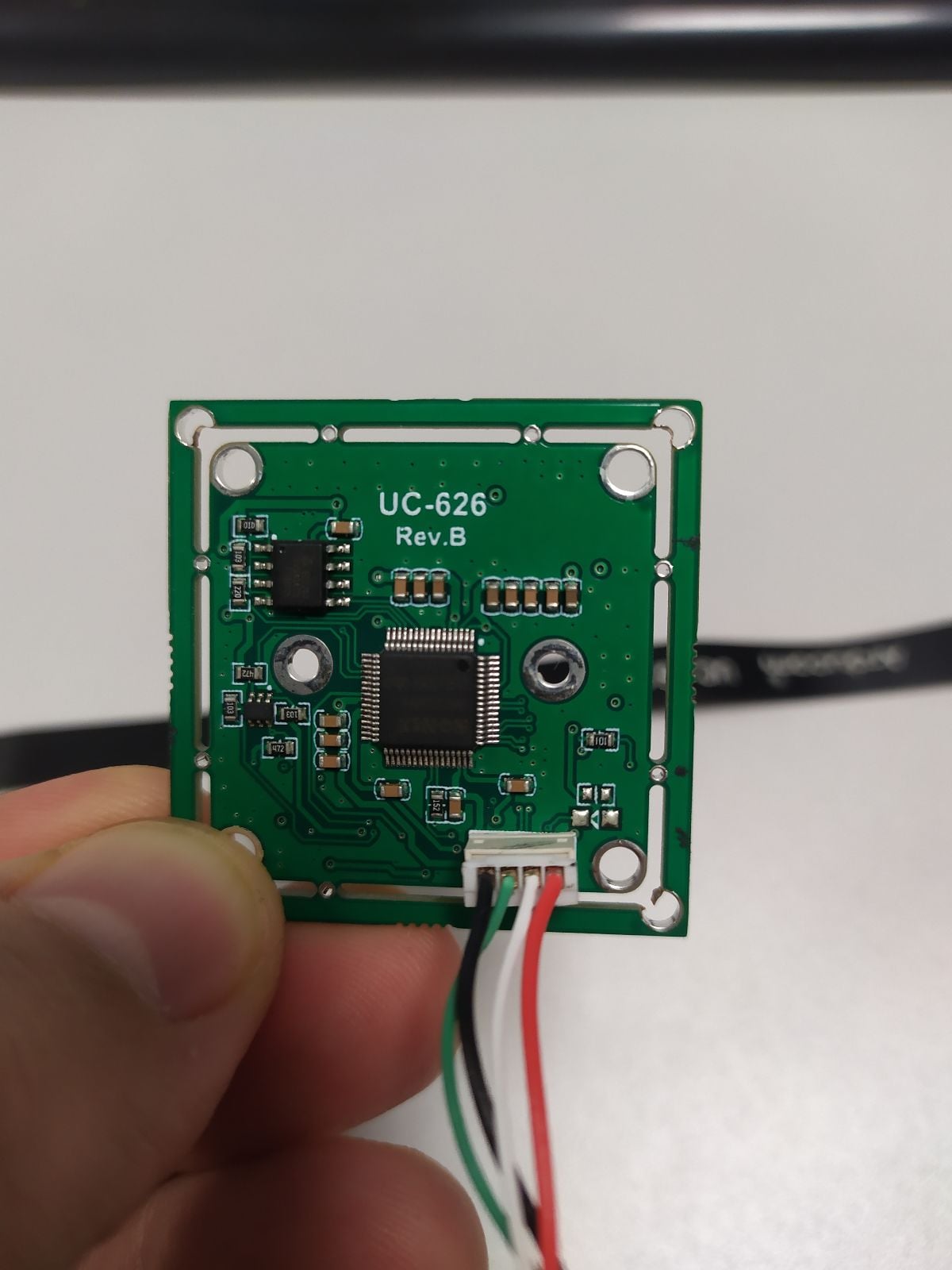
Thanks, that helps. Next step is to isolate the third-party module. Can you test using only the original camera module that came with the B0320 kit (without swapping in the 160-degree sensor) and tell me if you get a normal stream with the extension cable? If the original module works, the third-party sensor is likely the incompatible part.
I just tested the original module from the kit and it does not work with the extension cable either. I’ve also tried several other IMX219 cameras and the result is the same for all of them. Every camera works perfectly over UVC USB when connected directly (no extension cable). The extension cable itself works fine when used with a camera module V2 over the CSI port on a Raspberry Pi, so the cable doesn’t seem dead.
Thanks for the thorough testing - that effectively rules out the third-party module. This matches a known firmware issue with the UVC USB2.0 module when an extension cable is in the path. Please update the firmware following the guide video here: https://drive.google.com/file/d/1ZgHGuFGjMMIytxxwcErLlNQS4mXHadiE/view?usp=sharing
Let me know if you hit any other problems after the update.
Follow-up: after updating the firmware per the guide video (https://drive.google.com/file/d/1ZgHGuFGjMMIytxxwcErLlNQS4mXHadiE/view?usp=sharing) everything works perfectly now. Thanks for walking me through it!
Glad that sorted it. To summarize for anyone else hitting this: the fix for the IMX219 + extension cable + UVC USB2.0 module issue was updating the firmware on the UVC USB2.0 module using the guide video. Marking this as resolved - thanks for confirming!