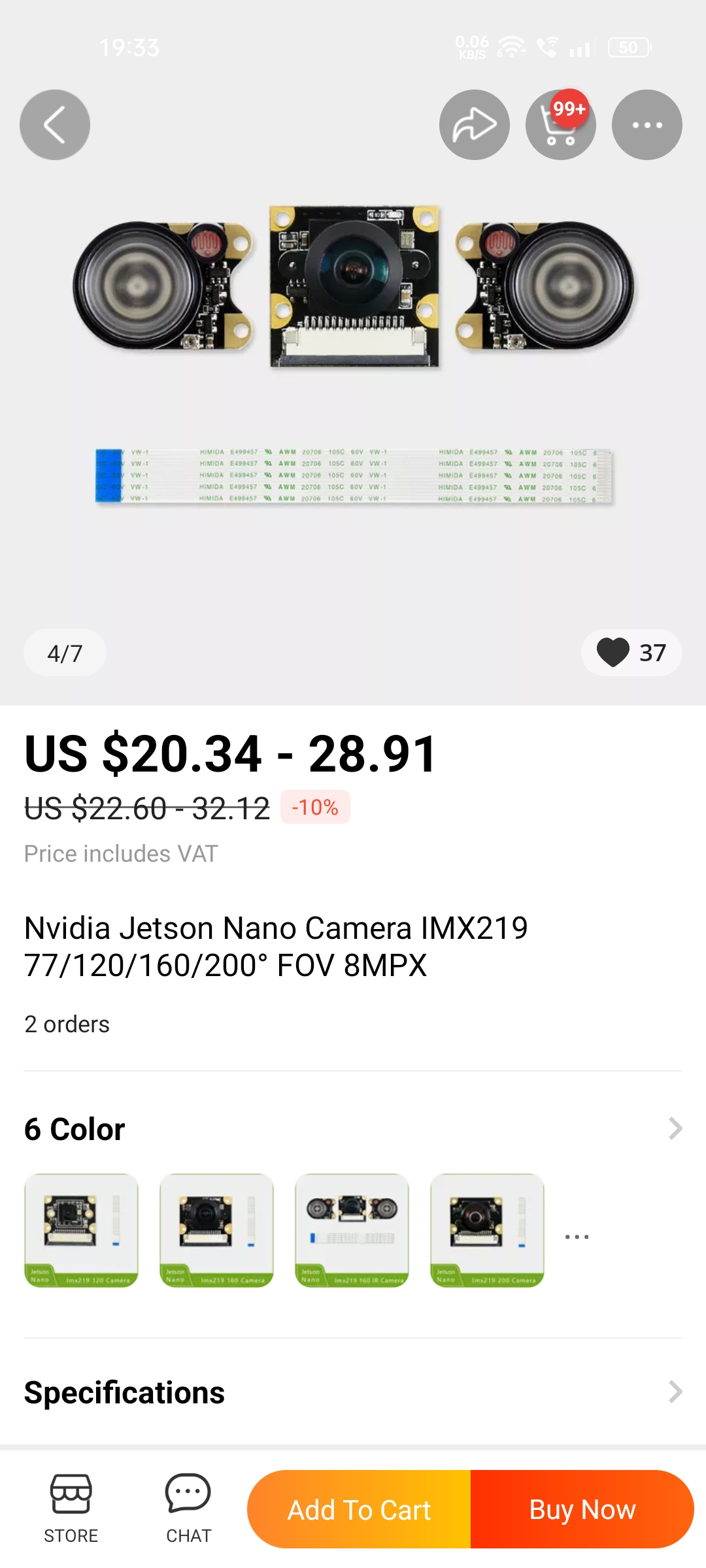
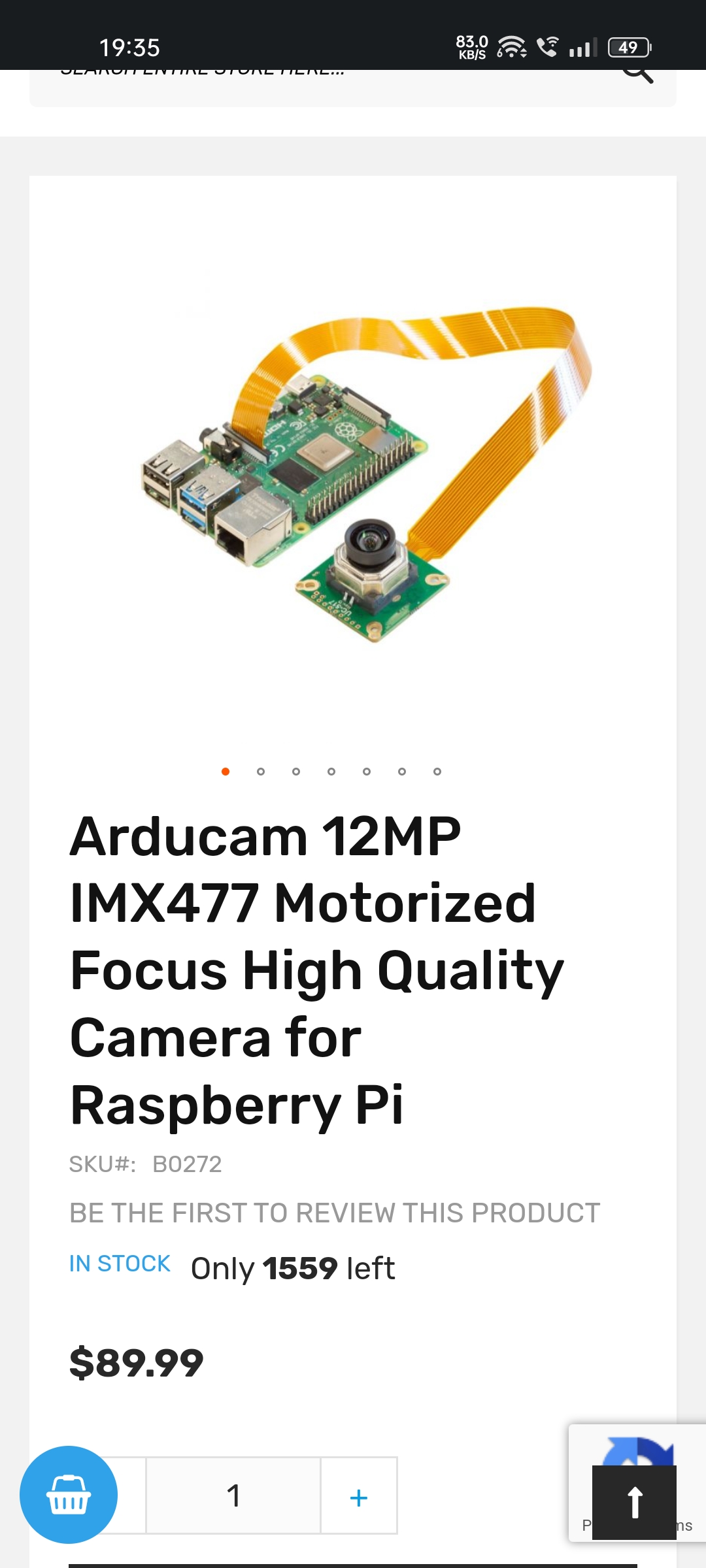
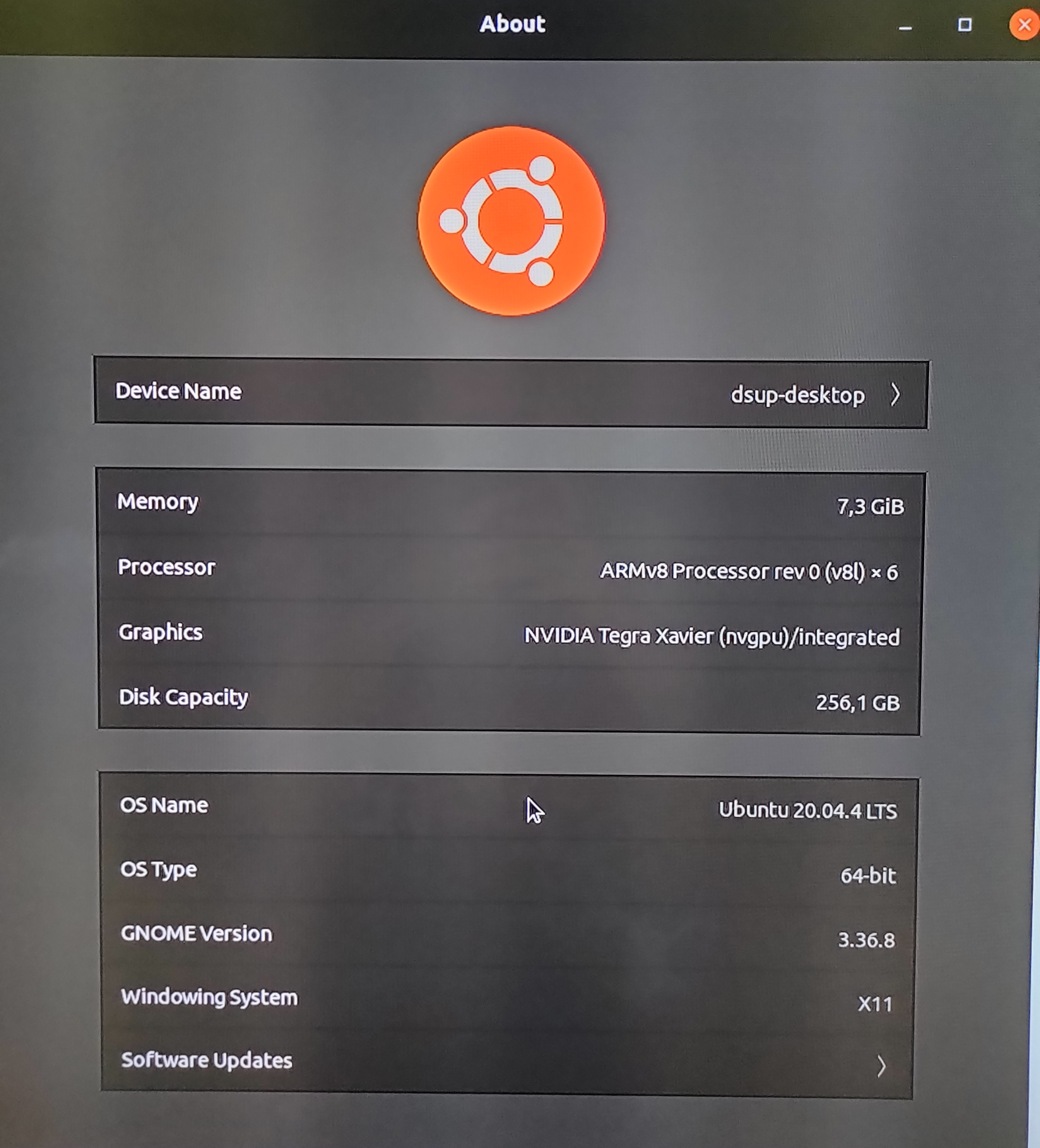
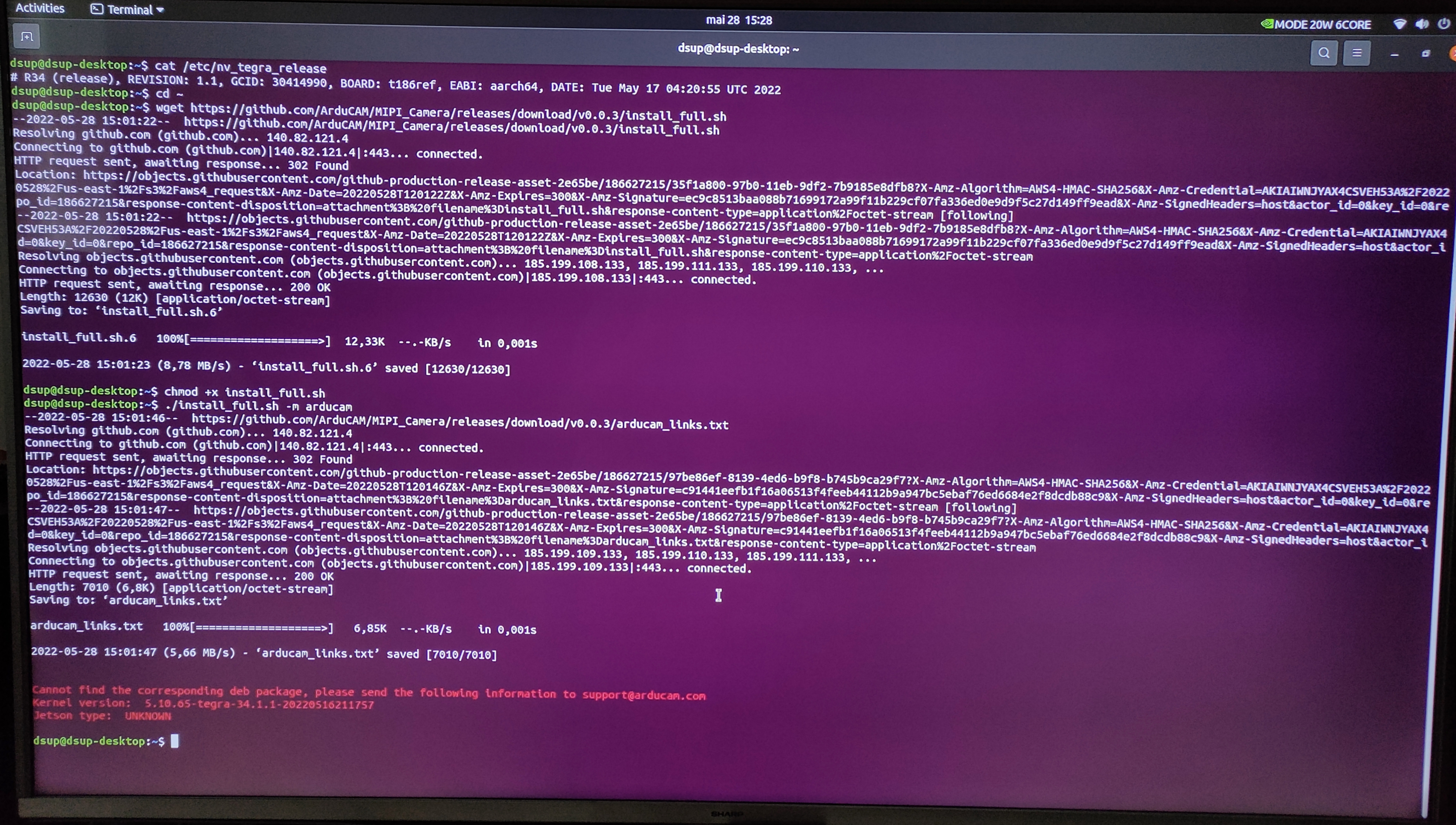
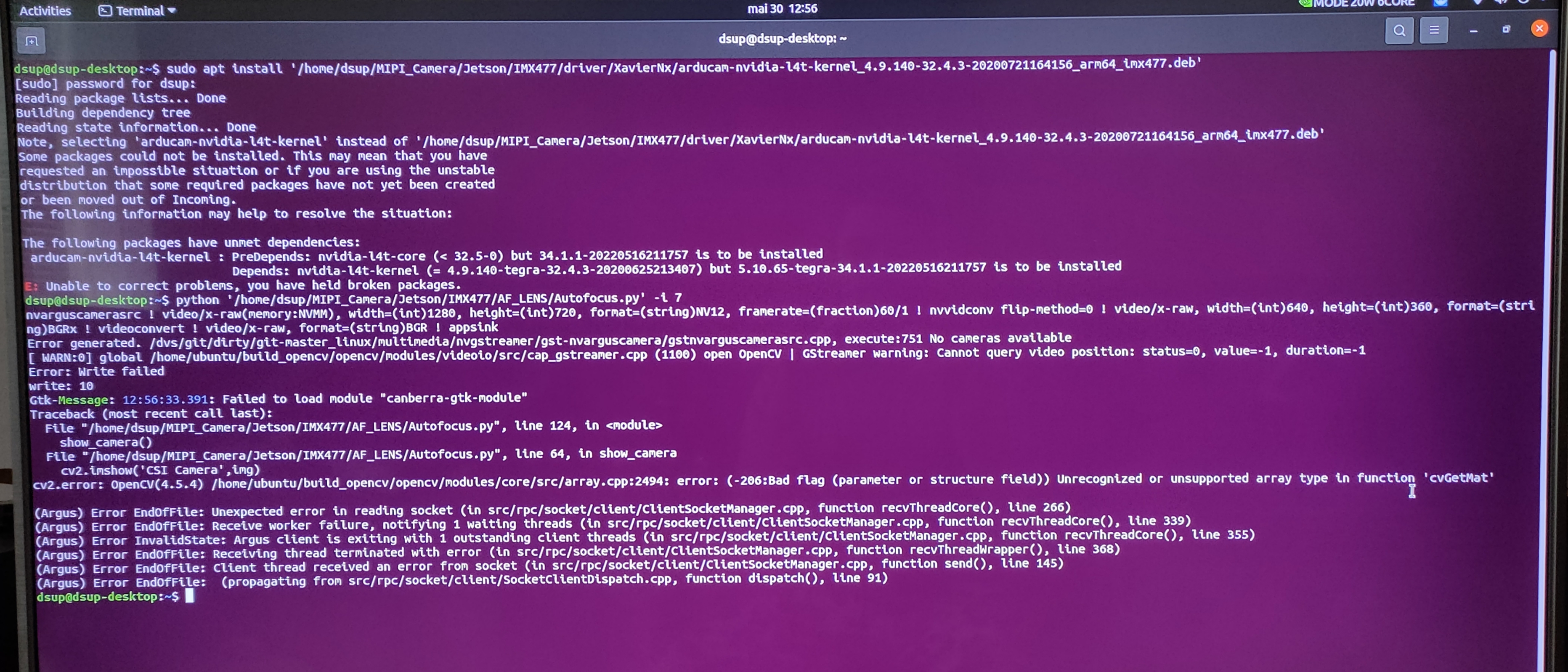
Hi, I’m having trouble installing my cameras on my Jetson board and I’m not really sure what’s going wrong. I followed along as best I could but it just won’t work. I’ve attached some screenshots and photos of what I’m seeing and how I have things hooked up. Any idea what I’m missing here?
Thanks for the pics, those help a lot. From what I can see in your screenshots you’re running the MIPI camera driver with the IMX477. The “cannot find corresponding package” error you’re getting usually means the driver/hardware doesn’t match up with your board yet, so the camera isn’t being recognized properly.
The fix is to install the driver first from the MIPI_Camera repo. Try this:
git clone https://github.com/ArduCAM/MIPI_Camera.git
cd /MIPI_Camera/Jetson/IMX477/AF_LENS
python Autofocus.py -i 7
OK so I tried to install the driver, but I ran into a problem. I still get the same “cannot find corresponding package” error, which from what you said means the driver and board don’t match. I attached a photo of what I’m seeing.
Do I need to downgrade the kernel for this to work? Not sure if that’s the right direction but I’m kind of stuck. Here’s what I ran:
git clone https://github.com/ArduCAM/MIPI_Camera.git
cd /MIPI_Camera/Jetson/IMX477/AF_LENS
python Autofocus.py -i 7
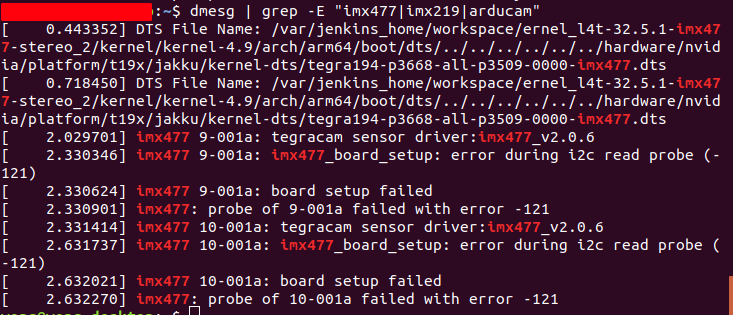
No need to downgrade the kernel yet — first let’s confirm whether the driver actually got installed. You can check that with dmesg:
dmesg | grep -E "imx477|imx219|arducam"
If the driver for the IMX477 is installed correctly, the output should look similar to this:
If you’re on JetPack 34.2.3 or later, it’s often easier to use the automatic installation script instead of doing it by hand. Try:
cd ~
wget https://github.com/ArduCAM/MIPI_Camera/releases/download/v0.0.3/install_full.sh
chmod +x install_full.sh
./install_full.sh -m imx477
So, to recap where we’re at: the “cannot find corresponding package” error points to a driver/hardware mismatch on your board. Run the dmesg command above to verify the driver state, and if you’re on JetPack 34.2.3+ go ahead and use the install_full.sh script to install the IMX477 driver. Paste the dmesg output here after you run it and we’ll see where it stands.