Did you ever figure this out? I just bought this lens and no matter how much I turn the outer focus ring, the image is completely blurry / pixelated. There is the knob that unscrews on the inner ring’s side, but I’m not sure what this does. I can’t find any user manual either.
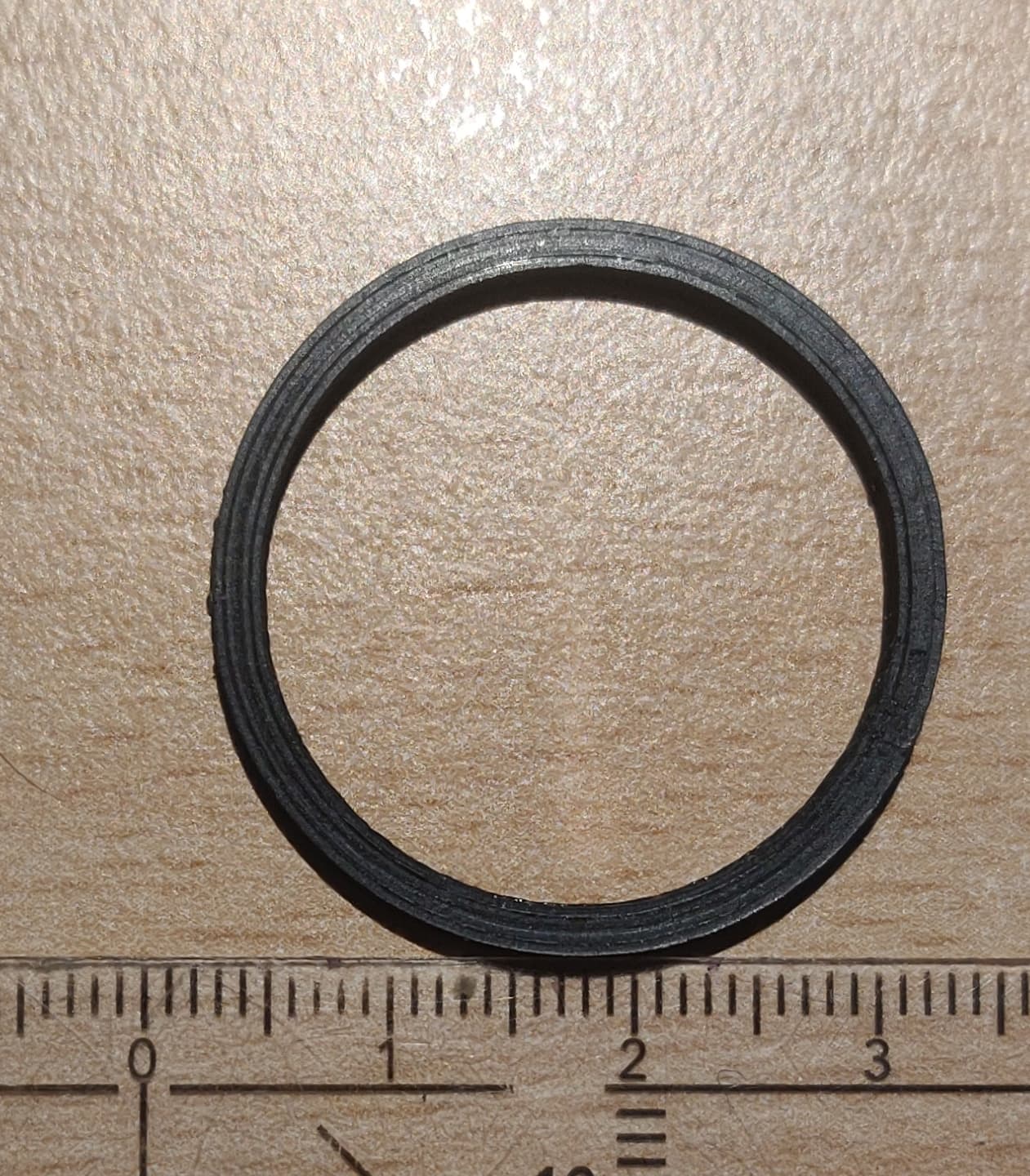
Well, I found a solution, no clue if it’s the correct one. You should try to unscrewing the whole lens while watching the live feed. At some point you will get a clear image. To be able to firmly screw the lens into the camera at the right distance, I 3D printed a small ring that I inserted between the camera and the lens.
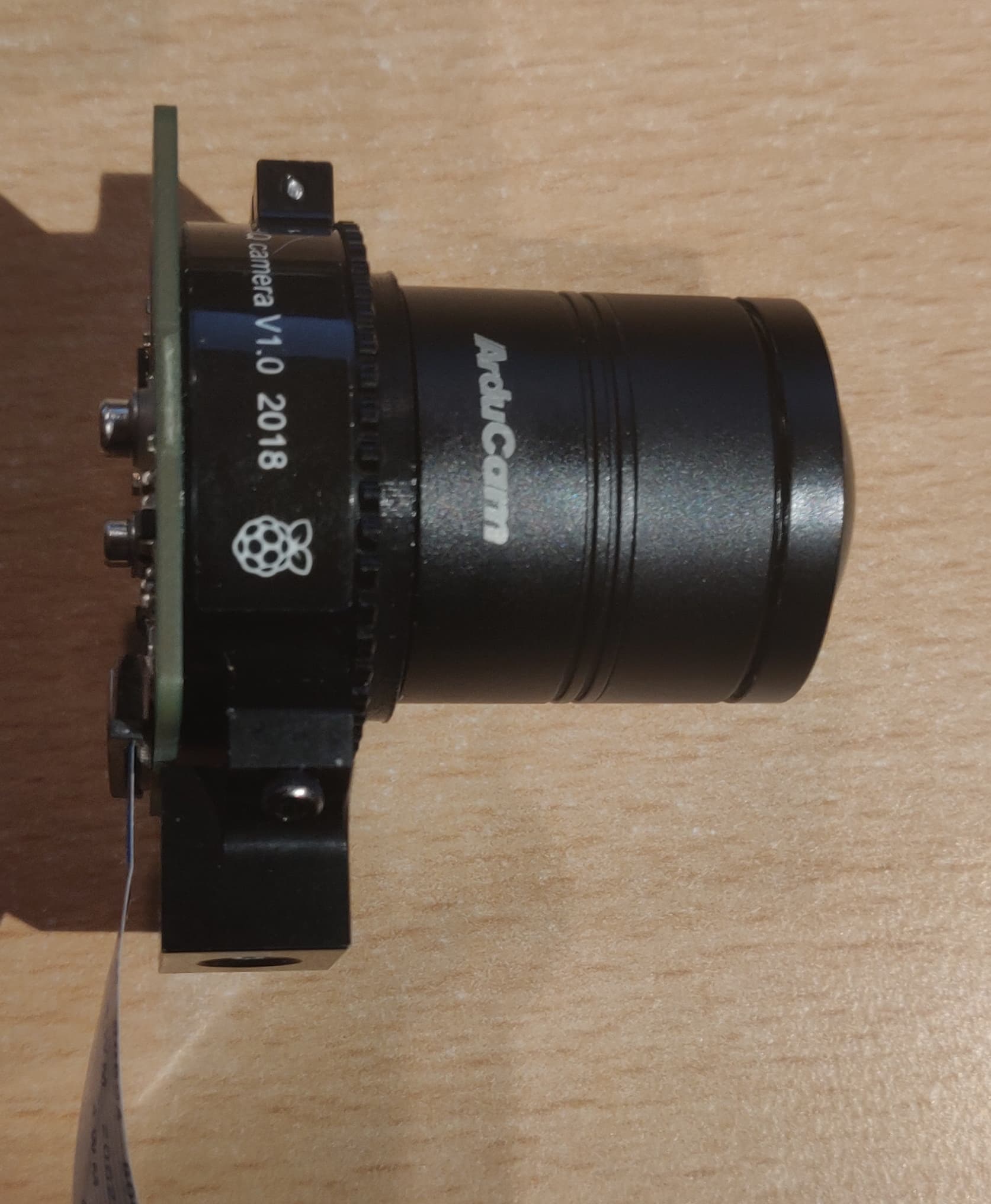
Better late than never, maybe? I found this thread trying to figure out the same. I just discovered that little screw at the top of your photo. If you loosen that with a small flat screwdriver (from the other side), the whole knurled ring unscrews from the main part of the “case”. It was very difficult to get started, but I was able to move it with just my fingers. Screw the lens all the way in, then use that to adjust to focus. When it is in focus, tighten the screw so the ring won’t turn.
One trip for new players like me is that the RPi High Quality Camera comes with a cs mount spacer out of the box. You need to remove that to get this lens to focus. Once you do that it’s a nice lens with a decent focal range.