Thanks for the details. That warning about nv_imx477.ko.bak is usually harmless, but the post-install failure is the real issue. Can you share the full dpkg output from when it fails? The error code and any traceback would help narrow things down.
Setting up arducam-nvidia-l4t-kernel (5.15.148-tegra-36.4.3-20250526135501) …
Then it calls /opt/arducam/jetson-io/config-by-hardware.py and I get this traceback:
Traceback (most recent call last):
File “/opt/arducam/jetson-io/config-by-hardware.py”, line 126, in
main()
File “/opt/arducam/jetson-io/config-by-hardware.py”, line 95, in main
jetson = board.Board()
File “/opt/arducam/jetson-io/Jetson/board.py”, line 242, in init
self.dtb = _board_get_dtb(self.compat, self.model, dtbdir)
File “/opt/arducam/jetson-io/Jetson/board.py”, line 151, in _board_get_dtb
raise RuntimeError(“No DTB found for %s!” % model)
RuntimeError: No DTB found for NVIDIA Jetson AGX Orin leetop gitKit!
An unknown error occurred while installing dtoverlays.
And then dpkg wraps up with:
dpkg: error processing package arducam-nvidia-l4t-kernel (–install):
installed arducam-nvidia-l4t-kernel package post-installation script subprocess returned error exit status 255
Errors were encountered while processing:
arducam-nvidia-l4t-kernel
That “leetop gitKit” model string is weird — I definitely bought a SeeedStudio board, not whatever leetop is.
Interesting — that model string is definitely the culprit. The board detection function _board_get_dtb() in /opt/arducam/jetson-io/Jetson/board.py has a hardcoded lookup table mapping model strings to DTB files, and “NVIDIA Jetson AGX Orin leetop gitKit” isn’t in there, so it raises that RuntimeError at line 151.
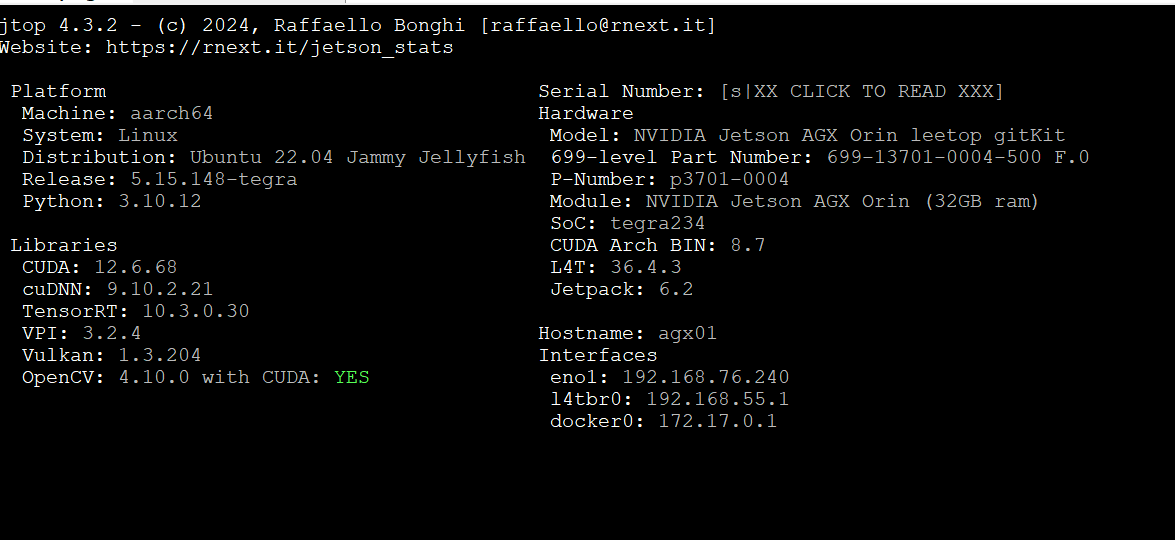
Before we go further, can you run jtop and check what it reports under “Hardware Model”? That’ll confirm whether this is coming from the carrier board’s EEPROM or somewhere else.
Hardware Model: NVIDIA Jetson AGX Orin leetop gitKit
Screenshot attached for reference.
So it looks like the SeeedStudio carrier board is reporting itself as a “leetop gitKit” — maybe that’s the OEM/ODM that actually manufactured it? Either way, the Arducam install script clearly doesn’t know what to do with it.
Thanks for confirming. That’s exactly what’s happening — the carrier board’s EEPROM reports a model string that our board.py detection logic doesn’t recognise. The function at line 151 in /opt/arducam/jetson-io/Jetson/board.py iterates through a lookup table and when it can’t find a match, it bails out with that RuntimeError. Since the post-install script exits with code 255, dpkg considers the package installation failed.
At this point you’ve got two paths forward:
Custom driver development — our engineering team can build a specialised driver for this specific carrier board. This would involve adding support for that model string and validating against your hardware. You’d need to reach out to [email protected] for the technical specs discussion and pricing.
Switch to an official carrier board — honestly the more straightforward route. The cameras are validated against the official NVIDIA Jetson AGX Orin Developer Kit and should work out of the box there. If you’re not tied to the SeeedStudio board, this is what I’d recommend.
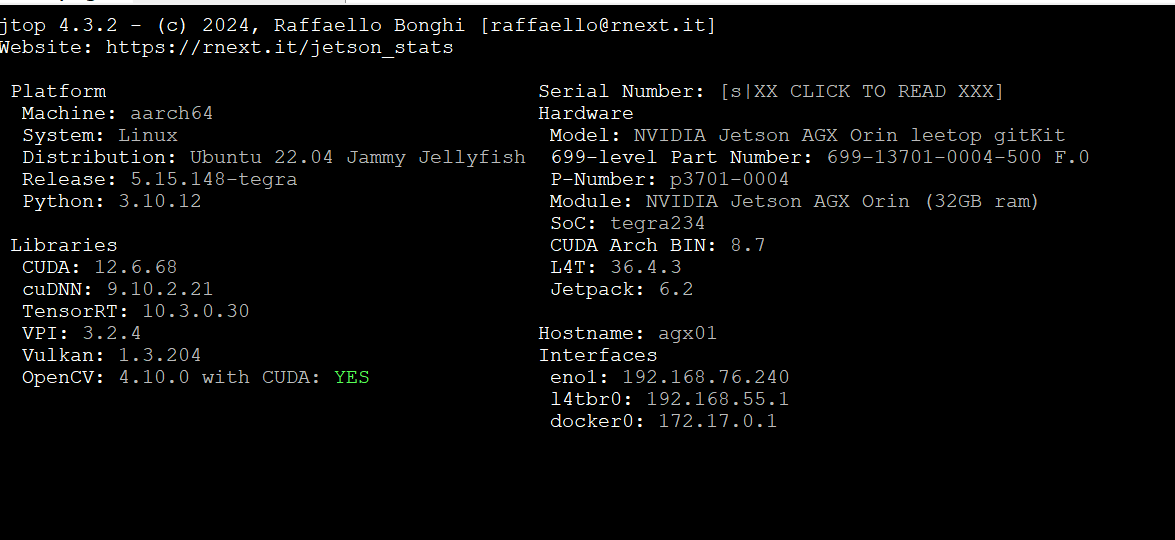
Just double-checked with another jtop run to be absolutely sure — same model string.
A couple of questions: is the source code for the driver available so I could try adapting it for my SeeedStudio board myself? And if I go the custom support route, what kind of pricing are we talking about? Just want to explore all options before I give up on this carrier board.
That second screenshot confirms it beyond doubt — the model string is consistent and that’s the sole reason the post-install script fails.
Regarding source code: the board detection logic in board.py and the config script are part of the driver package that gets installed to /opt/arducam/jetson-io/. The _board_get_dtb() function’s lookup table is what needs extending, but the kernel driver components themselves are distributed as prebuilt .ko modules matched to specific L4T versions — those aren’t something you can simply recompile without the full cross-compilation toolchain and kernel source matching that exact L4T build.
For the custom support route, I don’t handle pricing on my end — that goes through our sales team at [email protected]. They’ll need details on your carrier board (the SeeedStudio model, the EEPROM data, and which Arducam camera modules you’re using) to scope the work. In the meantime, if switching to the official NVIDIA dev kit is an option, that’s still the quickest path to getting your cameras running.