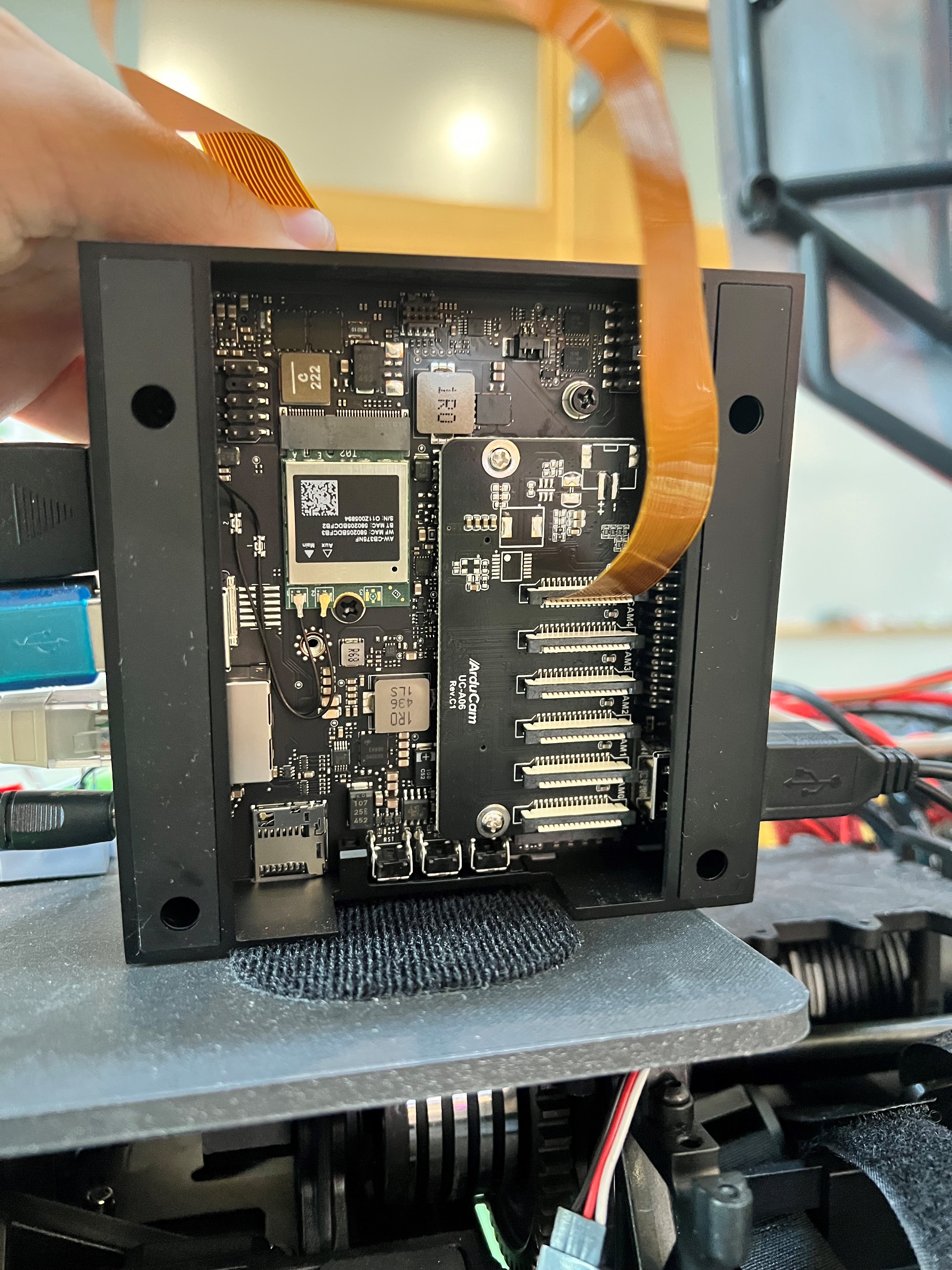
Hey everyone, I’m stuck here. I recently picked up the Arducam IMX219 Multi-Camera Kit for my NVIDIA Jetson AGX Orin Dev Kit and I can’t get it to work at all. I’ve been at this for two days now digging through every forum and doc I could find.
When I connect the camera, all I see is /dev/media0 — there’s no /dev/video0 at all. The camera just doesn’t show up as a V4L2 device. Anyone run into this? Is there something obvious I’m missing?
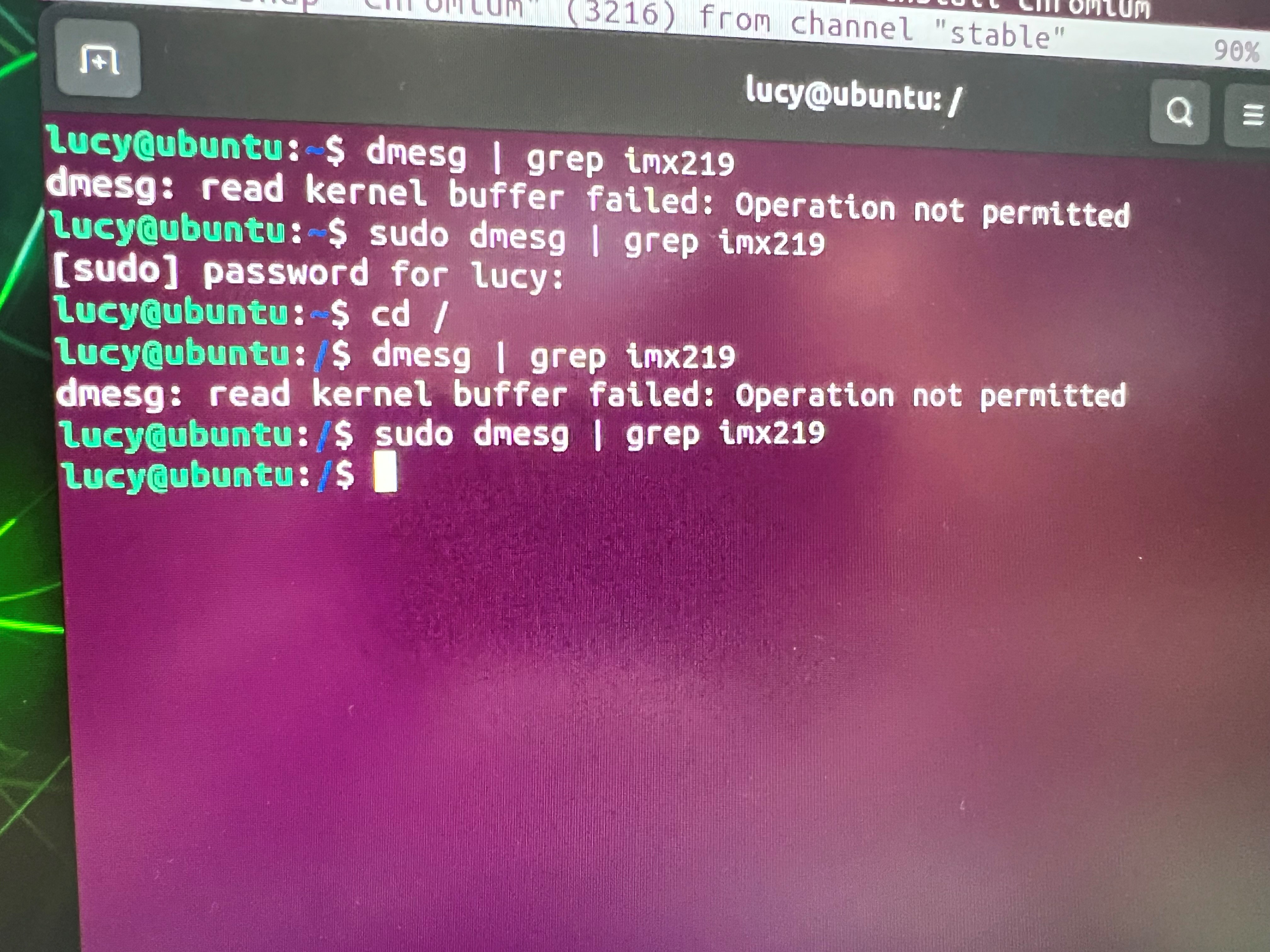
Thanks for those. I took a close look at your terminal output in that second image, and I think I see the problem.
The dmesg | grep imx219 output is basically empty — there’s no mention of the IMX219 sensor being probed or registered at all. That tells me the IMX219 camera driver was never installed on your Jetson AGX Orin.
What’s happening is this: the hardware is detected at the media controller level, which is why you see /dev/media0. But without the actual sensor driver loaded, there’s nothing to create the V4L2 video device node — so /dev/video0 never appears.
The fix is to install the IMX219 driver. You’ll want to follow the steps here: