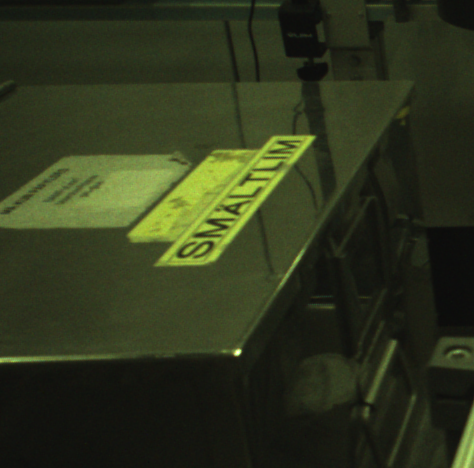
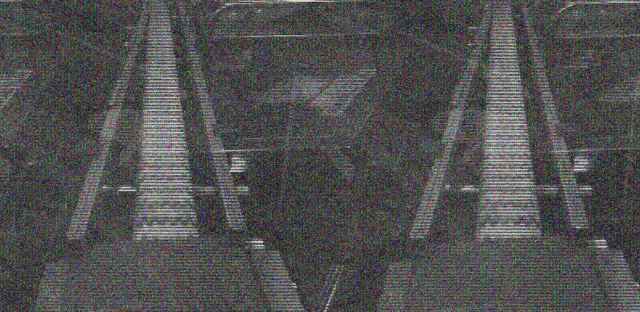
Hi everyone, I’m struggling with the arducam_displayer.py example on my Jetson running Jetpack 6.1 with an Arducam camera (SKU B0429). The image it produces is all green - it’s not grey anymore, but the colors are completely off. I’ve been messing around with different combinations but nothing helps. Here’s what I’m getting:
Can you post the exact command you’re running and what pixel format it’s using? That green cast usually points to a raw/Bayer conversion issue, but I want to see how you’re calling the example before guessing.
I tried forcing BA10 as the pixel format on the command line and it got even weirder:
I’ve basically spent the whole afternoon trying to pull usable pixels out of this camera on the Jetson, and getting the BA10 formatted image out has been a real pain. Is there a Python example somewhere that just captures a color image and saves it as a JPG?
We don’t have a standalone Python example that captures and saves a JPG right now. The closest thing is the arducam_displayer.py script - it has a section that shows how to use OpenCV to capture frames and convert them.
About the green image: this happens because the camera module doesn’t have ISP (Image Signal Processor) control on the Jetson device. Without ISP processing, the raw data comes out with that green cast.
So is the green output basically expected for this camera on the Jetson? Is there any way to get correct colors at all, or am I stuck with raw green images?
Yeah, a green/raw image is expected behavior when there’s no ISP processing on the Jetson - that’s the root cause here. Arducam has actually released a new product specifically to address this: the Arducam xISP Swift Pre-Tuned ISP Global Shutter 2-3MP MIPI Camera for NVIDIA Jetson. It has a pre-tuned ISP, so you get proper color output without having to do the ISP tuning yourself.
For capturing and converting images with OpenCV, still refer to the arducam_displayer.py script. For the xISP camera specifically, there’s a Quick Start Guide here: Quick Start Guide - Arducam Wiki
On the driver side, if you’re on an Orin NX you’d install the driver with:
Thanks, that helps. Two questions: would the xISP Swift be a drop-in replacement for my current camera on the Jetson, and does it also work on a Raspberry Pi? I’m thinking about using it on both.
To wrap up: the green output you’re seeing from the B0429 is expected because that module has no ISP control on the Jetson, so you’re looking at raw data. For proper color output, the pre-tuned ISP on the xISP Swift is the recommended path.
As for drop-in replacement and Raspberry Pi compatibility, check the product page and the compatibility docs I linked above - the Quick Start Guide also lists the supported platforms and setup steps for the xISP camera.