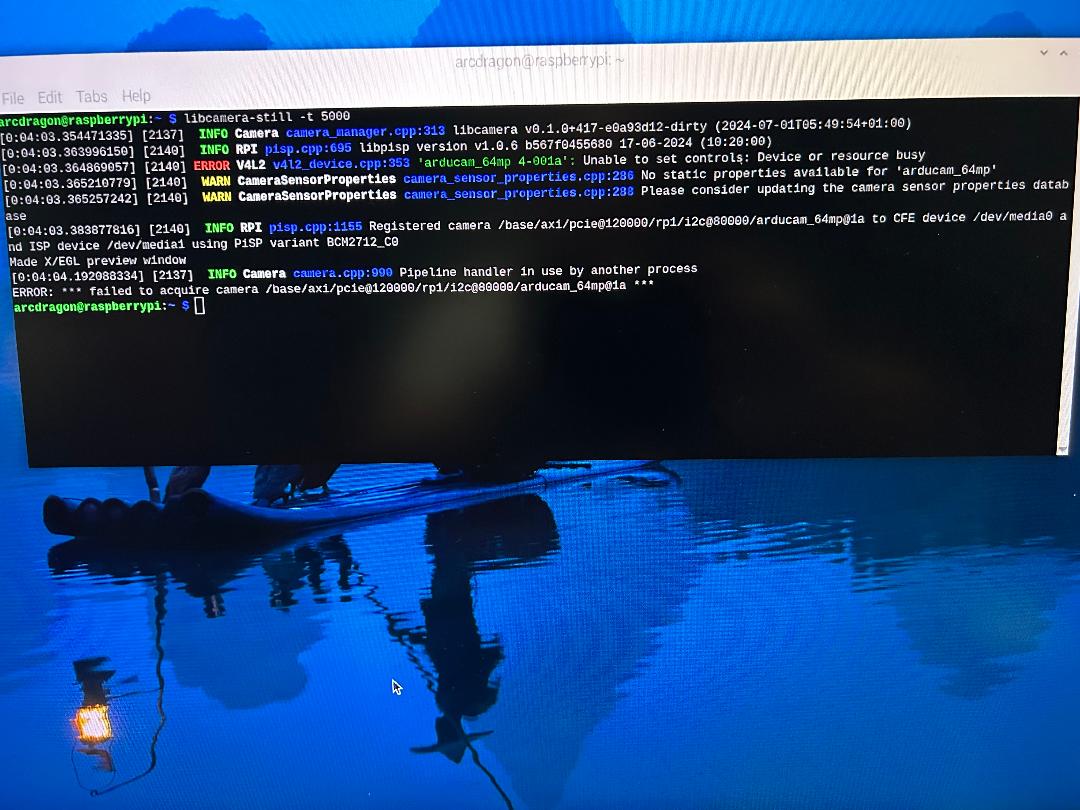
Hi everyone, I’m having trouble getting my Arducam 64MP camera (the Hawkeye model) working on a Raspberry Pi 5. I keep getting an error whenever I try to access the camera and I can’t figure out what’s going on. I’ve attached a screenshot of the error log below. Any ideas what might be causing this?
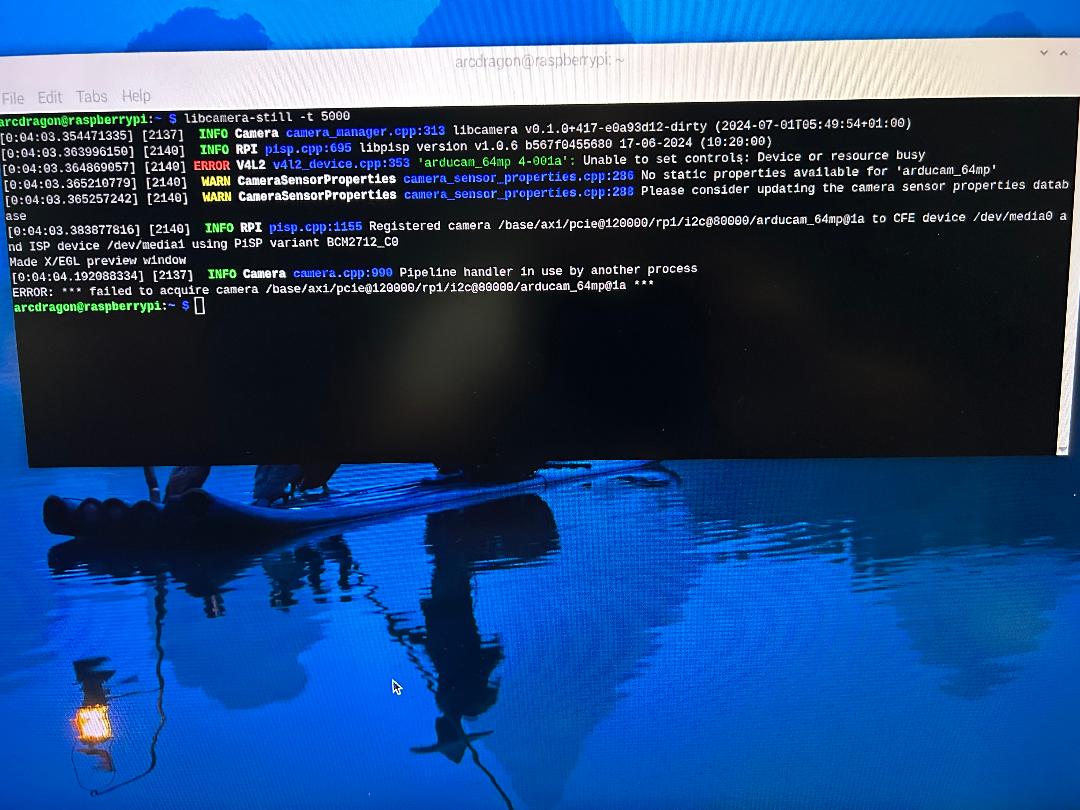
Looking at your error log screenshot, it seems like another program is already holding onto the camera’s resources, which is causing a resource conflict. That would explain why you’re getting blocked when trying to access it.
To help narrow down what process is interfering, could you run the following command and share the full output?
ps -ef
This will list all running processes and we should be able to spot the culprit from there.
That makes sense — “another program is taking up camera resources” definitely lines up with what I’m seeing. I ran the ps -ef command and attached the output as a text file: ps_output.txt
I also grabbed another screenshot of the error while I was at it:
Thanks for the logs, those are really helpful. From what I can see in the process list, it looks like you might be trying to access the camera module directly through the rpicam suite. That’s likely where the conflict is coming from.
For your setup, I’d actually recommend using the Arducam PiVistation 5 AI Camera 64MP Pro All-in-One Kit approach instead. This kit includes a built-in streamer service, and the intended way to access the camera is through its web-based interface — not by hitting it directly with rpicam commands.
Before we go further down the rpicam path, I wanted to check — are you set on using the rpicam suite to stream the camera, or would switching over to the web-based interface work for your use case? The PiVistation route is what the hardware was really designed around.