Hi everyone, I’m having trouble with an Arducam High Quality IR-CUT Camera (the 12.3MP IMX477 model with the 6mm CS lens) on my Jetson Nano setup. I got it from Robu.in a few days ago.
The camera just isn’t functioning properly — the image quality is way below what I’d expect from an IMX477 sensor, and honestly it doesn’t seem to be performing anywhere near the specs.
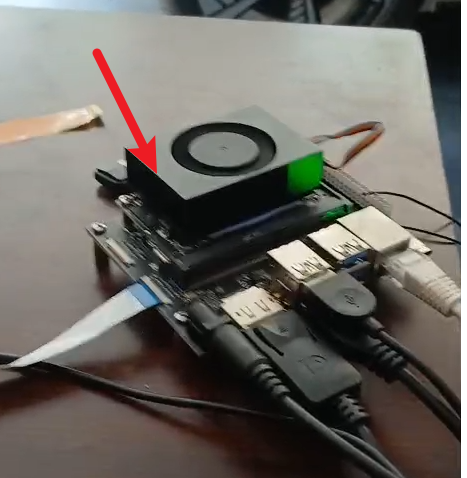
I recorded a quick video showing what I’m seeing:
Has anyone else run into this? Could it be a driver issue or something with the camera module itself?
Thanks for the detailed video — that’s really helpful for getting a sense of what’s going on.
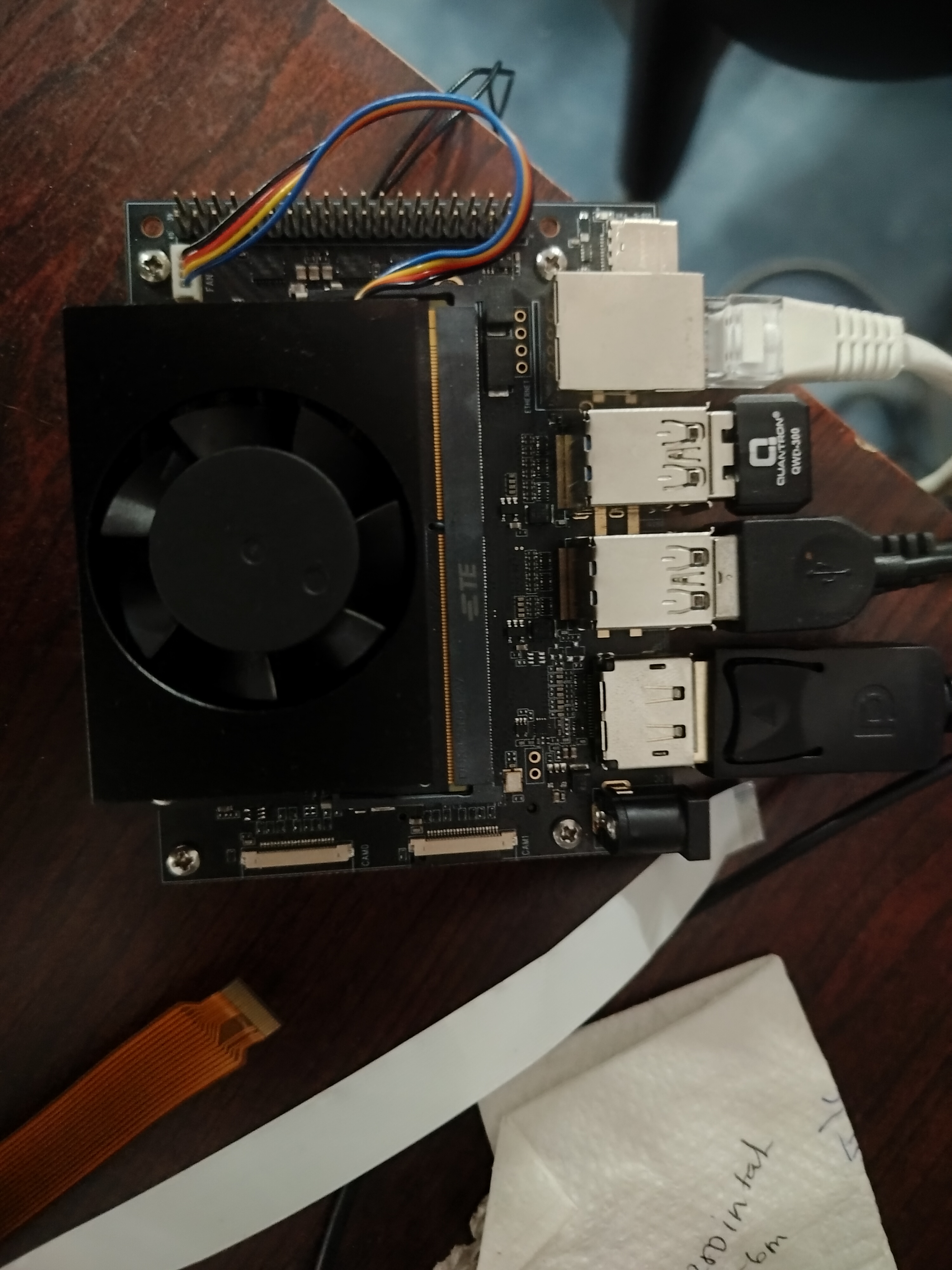
Before we dive into driver troubleshooting, can I ask what Jetson device you’re using exactly? Specifically, are you on an official NVIDIA Jetson Nano Developer Kit, or is this a third-party carrier board?
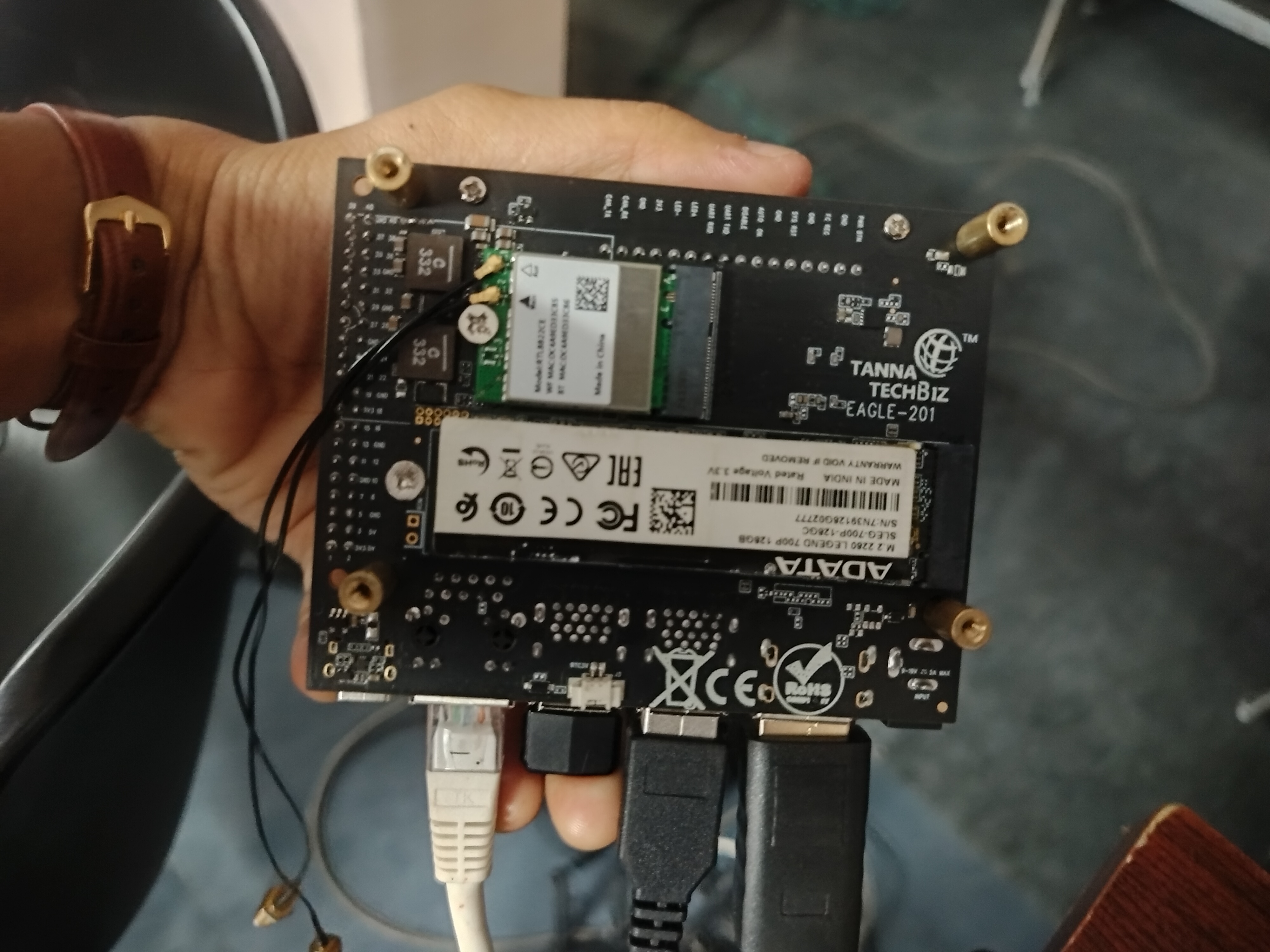
We’ve seen similar issues come up with non-official boards, so it would really help if you could post a couple of pictures of your Jetson setup — both the front and back of the board. That way I can identify if there might be a hardware compatibility concern before we go down the software rabbit hole.
Thanks for the photos — that confirms what I suspected. The board you’re using is a third-party carrier board, not an official NVIDIA Jetson Nano Developer Kit.
This is very likely the root cause of your problem. Arducam cameras — including the IMX477 module you have — are validated and tested exclusively on official NVIDIA Jetson development kits. Third-party carrier boards can have differences in things like:
CSI/MIPI pinout mappings
I2C addressing or bus routing
Power delivery to the camera connector
Device tree and driver-level assumptions that don’t hold on a non-standard layout
Any one of those can cause the kind of degraded or non-functional behavior you’re seeing in your video.
Here’s what I’d recommend as a next step: if you can get access to an official NVIDIA Jetson Nano or Xavier NX Developer Kit, test the same camera module on that board. That will tell you definitively whether the camera itself is fine and the third-party board is the culprit. If the camera still doesn’t work on an official dev kit, then we’d be looking at a possible hardware fault with the module and can go from there.
Unfortunately, if it is the third-party board, there’s not much we can do on the driver side to work around hardware-level incompatibilities.