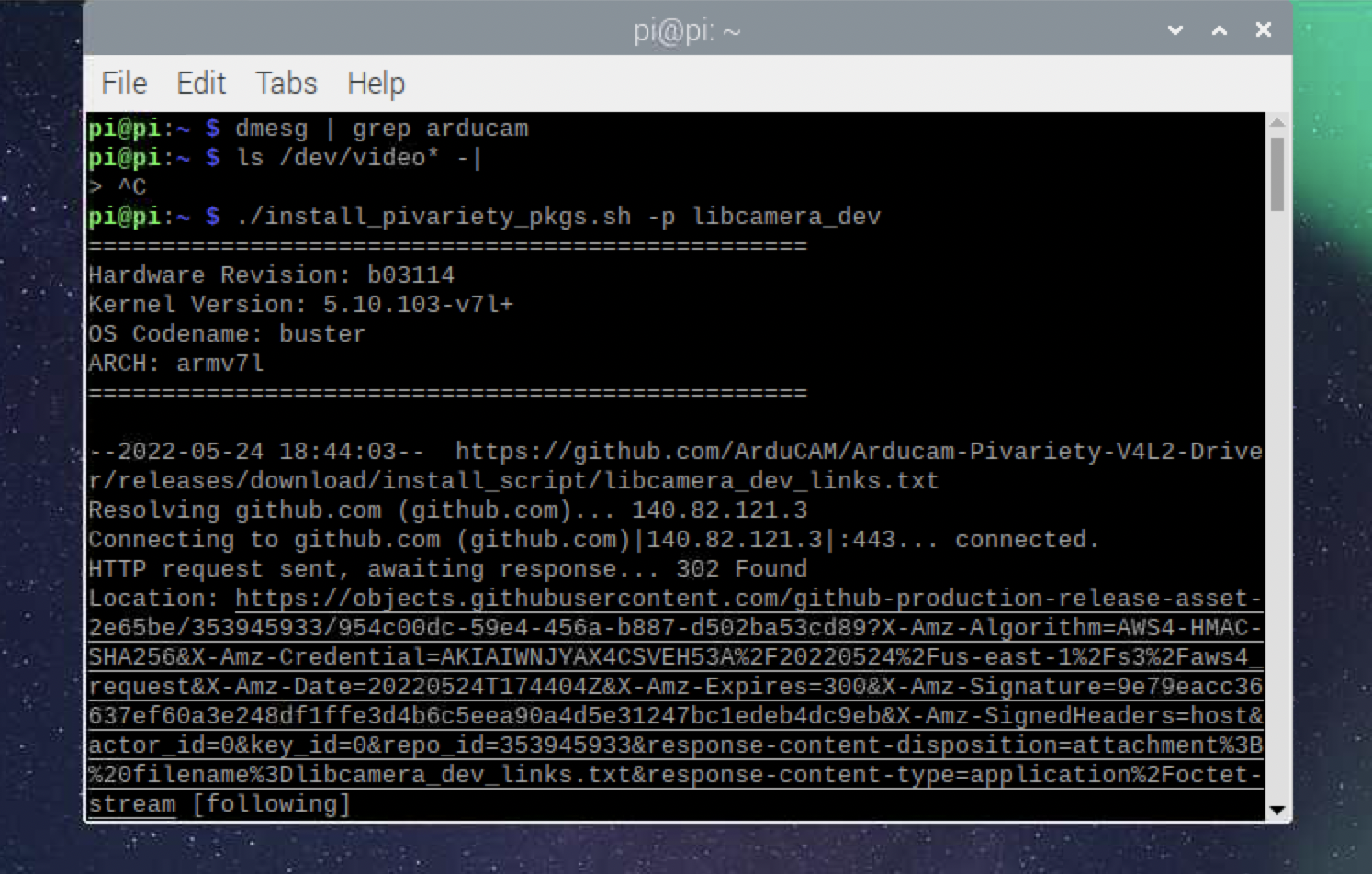
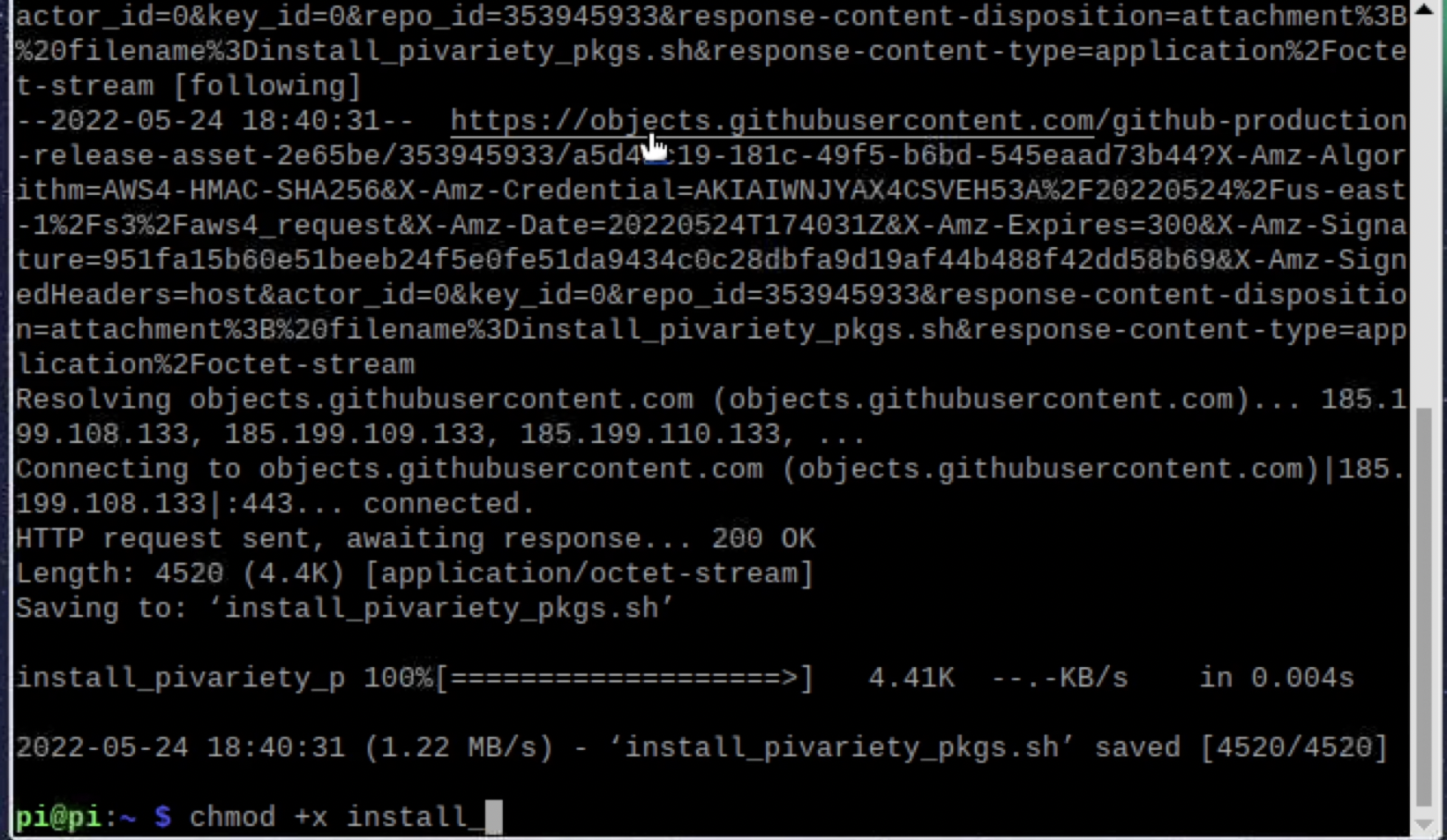
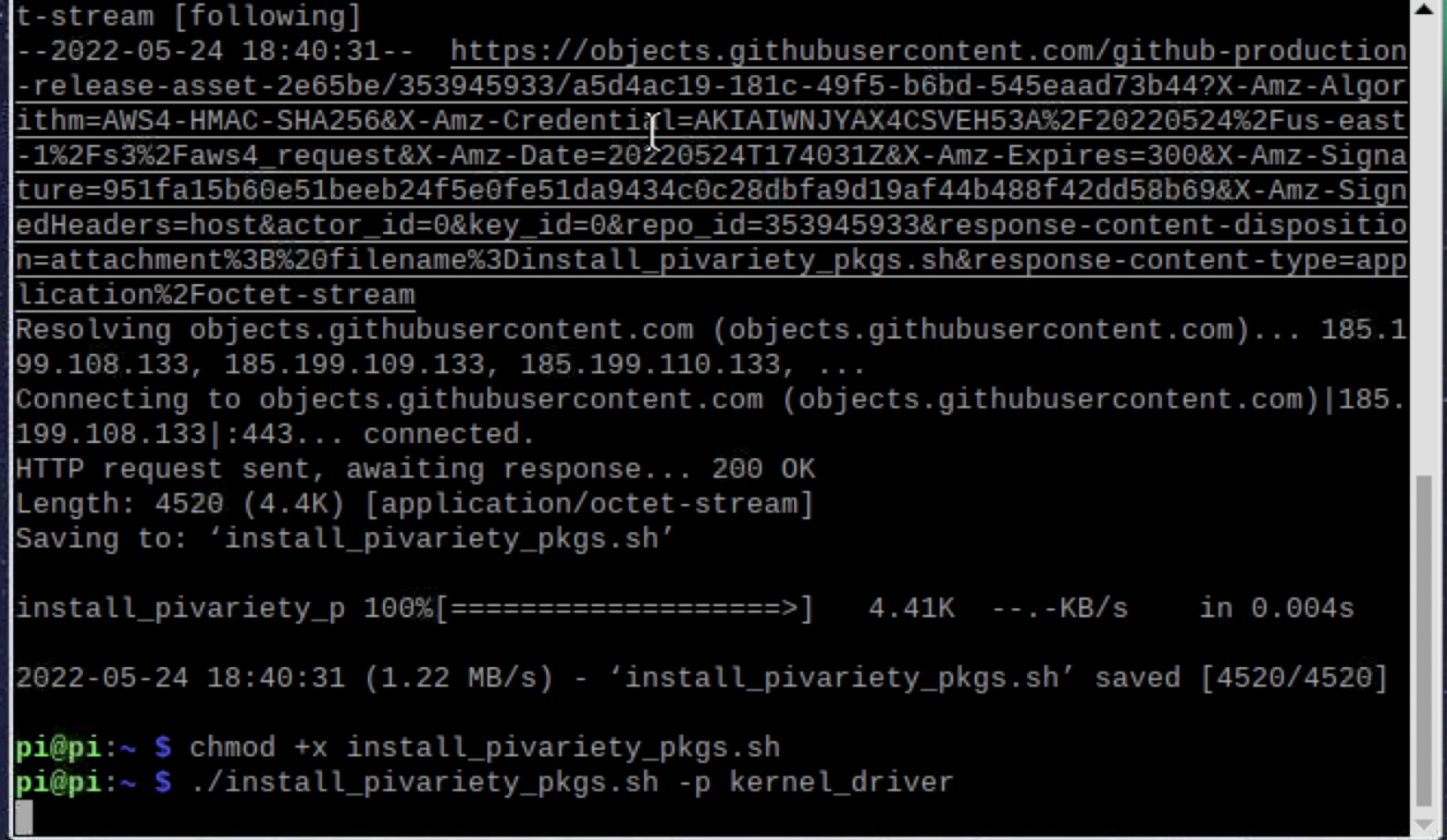
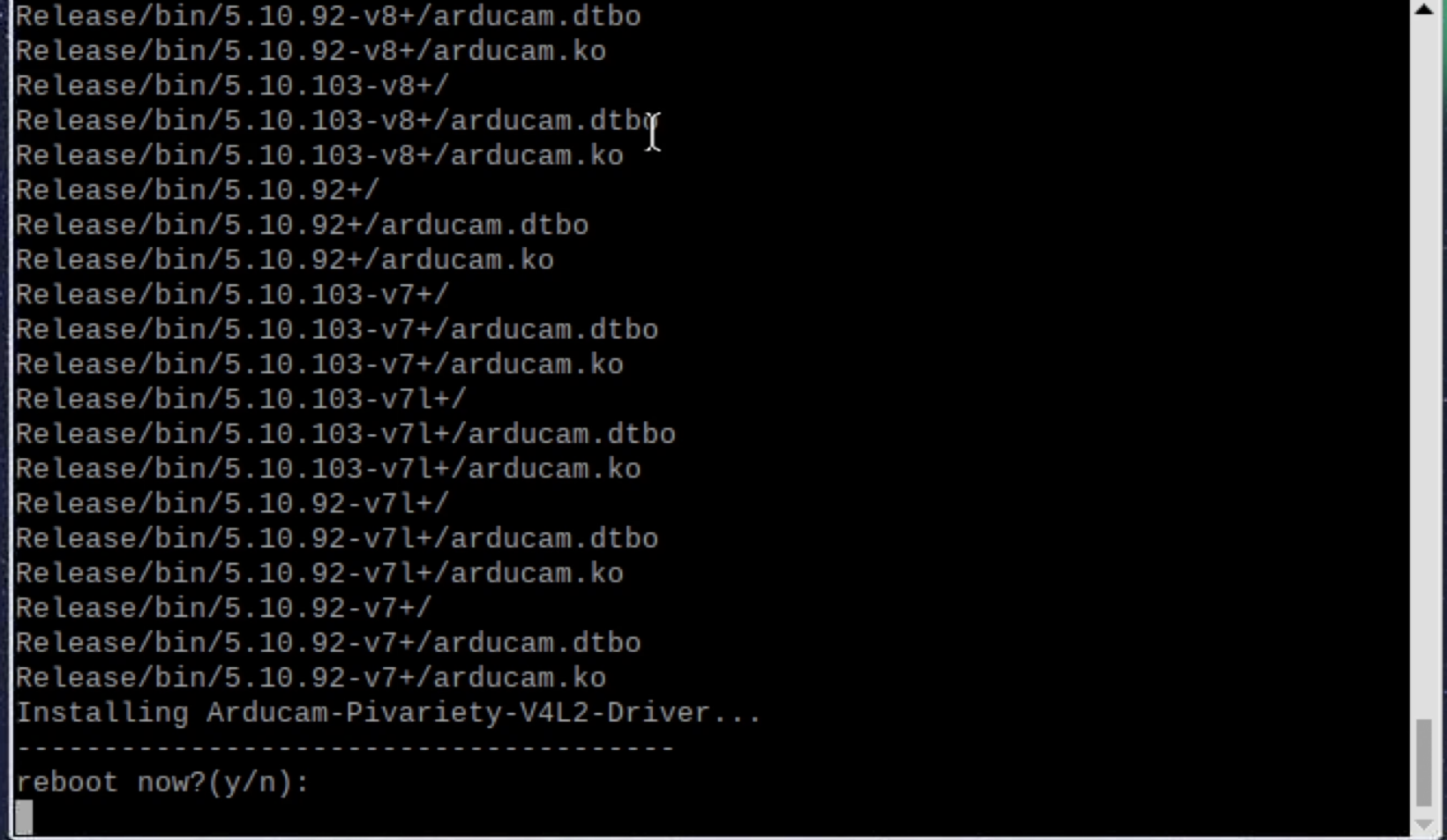
Hi, I’m having trouble installing the 21MP Pivariety camera. I’ve followed the instructions on a bunch of different Raspberry Pi boards and repeated the whole process many times, but it just never works. After running dmesg | grep arducam there is simply no output at all, nothing. I kept going anyway and installed libcamera, but when I test it with libcamera-still -t 500000 -o test.jpg it errors out and aborts.
Here’s what I get:
[0:03:30.591651910] [2214]  INFO Camera camera_manager.cpp:293 libcamera v0.0.0+3139-5baab39e
terminate called without an active exception
Aborted
I’ve attached a few screenshots showing the terminal output and the setup. Any idea what’s going wrong? I’m stuck.
Thanks for the detailed write-up and the screenshots, that helps a lot. Looking at one of the images you posted, I can see you’re running the 5.10.103 (Buster) system. Can you confirm that with uname -a and cat /etc/os-release?
When dmesg | grep arducam comes back completely empty, it usually means the camera driver isn’t loading at all at boot, so let’s confirm the base system first before touching any wiring or the camera module itself.
Yes, confirmed. uname -a shows Linux raspberrypi 5.10.103-v7l+ and /etc/os-release reports the Buster release. So it’s 5.10.103 (Buster).
I tried this on more than one Pi with the same result each time, so I don’t think it’s a bad board. dmesg | grep arducam stays empty every time and libcamera still aborts on the test command.
That’s the culprit — the 5.10.103 (Buster) system is no longer supported by this camera. On Buster the driver won’t come up, which is exactly why dmesg | grep arducam returns nothing and libcamera aborts when it can’t find a working camera.
The fix is to move to Bullseye, which is the main system we support for this camera. Download the image here:
Ok, good news — I installed Bullseye and now the camera works with the simple commands. libcamera-still and company work fine, so that part is sorted.
The problem now is my Python code that was written for PiCamera doesn’t work anymore. This is what I had before:
from picamera.array import PiRGBArray
from picamera import PiCamera
camera = PiCamera()
Does this need to be changed in any way? I enabled the legacy camera through sudo raspi-config but that didn’t seem to help either. What do I need to import in Python to declare/initialise the camera now?
Right — on Bullseye (after kernel 5.10.92) the recommended route is Picamera2 instead of the old PiCamera module. That’s how I set up a similar camera on a Pi4 here and it worked fine.
After you’ve installed the camera driver, run these steps:
Got it, thanks. So just to be 100% sure before I rewrite everything — I don’t use the old camera = PiCamera() line at all anymore? Picamera2 handles the initialisation differently? I just want to confirm I’m not supposed to keep any of the old import lines around.
Correct — you won’t use the old module at all. With Picamera2 you create the object through the picamera2 package (e.g. from picamera2 import Picamera2 and then Picamera2()) instead of PiCamera() / PiRGBArray. Start and configure it through the Picamera2 API as shown in the examples.
Quick recap of where we landed:
Your original setup was 5.10.103 (Buster), which isn’t supported for this camera — the driver never loads (empty dmesg | grep arducam) and libcamera aborts.
Running the Bullseye image resolves that; the camera then works with the standard libcamera commands.
For Python, install the Picamera2 dependencies and use the Picamera2 example scripts instead of the legacy PiCamera import.
Give the app_capture.py example a run and let us know how it goes.