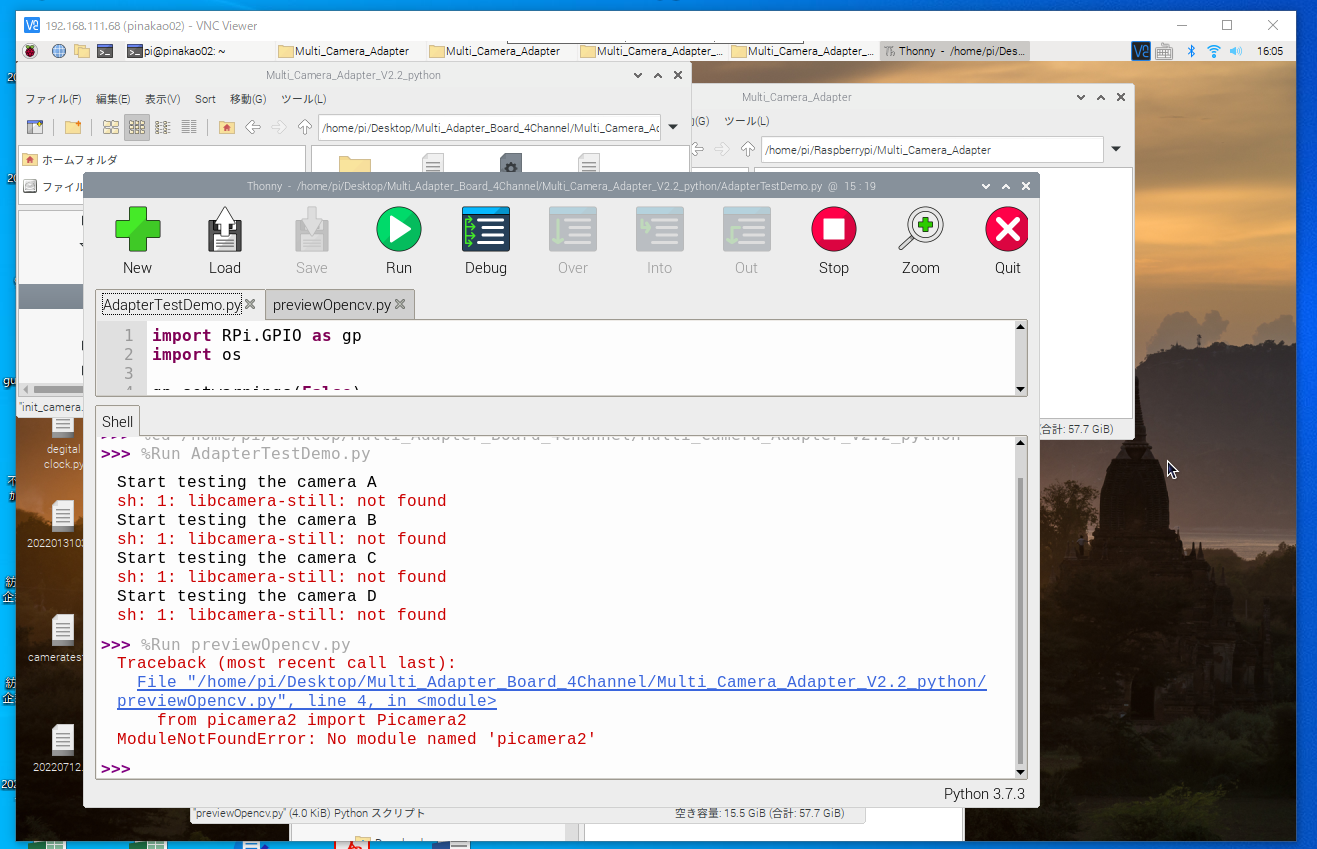
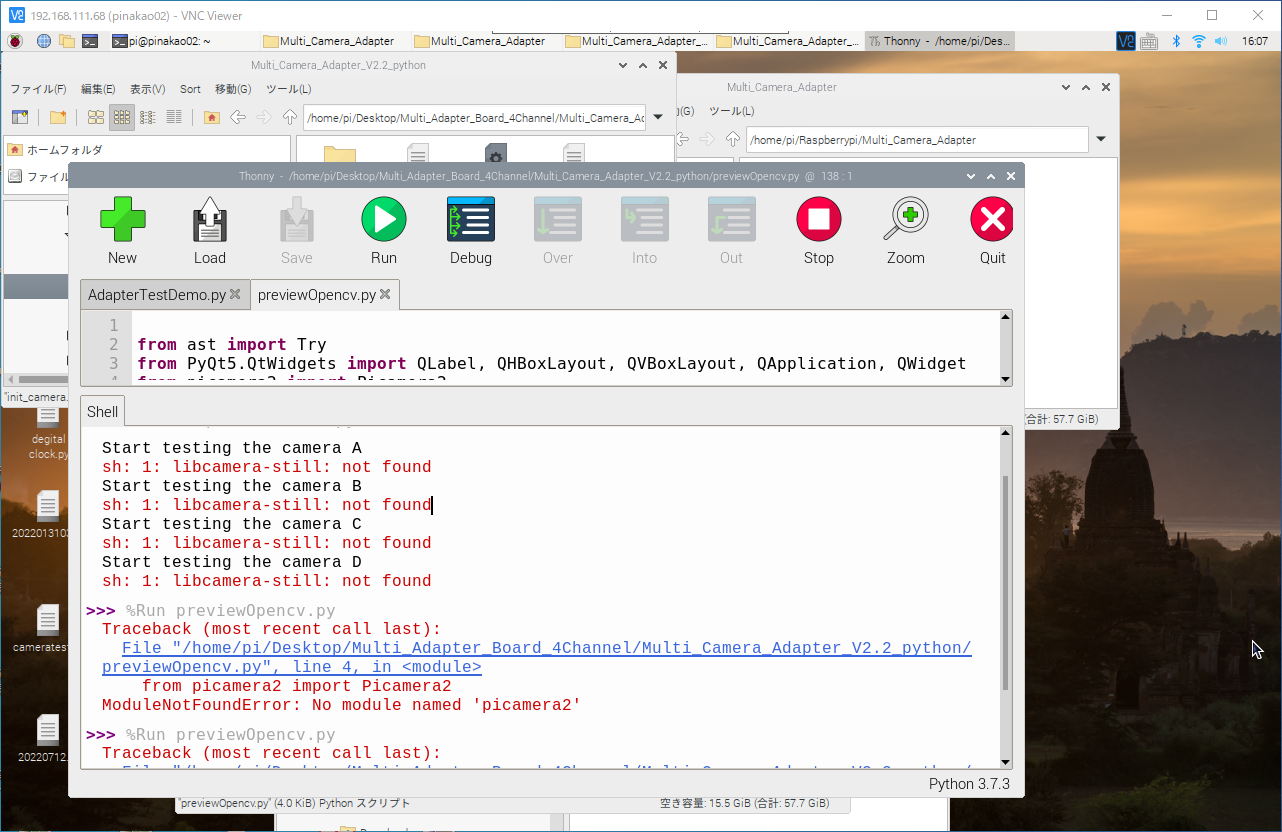
Hi, I’m stuck getting my multi-camera setup working on a Pi 4B. I installed the programs and set up the Raspberry Pi settings following the quick start guide exactly as written, but when I try to run it I just get a popup saying “not available right now”. I’ve attached a screenshot of the error. Has anyone run into this?
Thanks for the details and the screenshots. That “not available right now” dialog usually shows up when the camera stack isn’t fully installed, so the app can’t find the cameras.
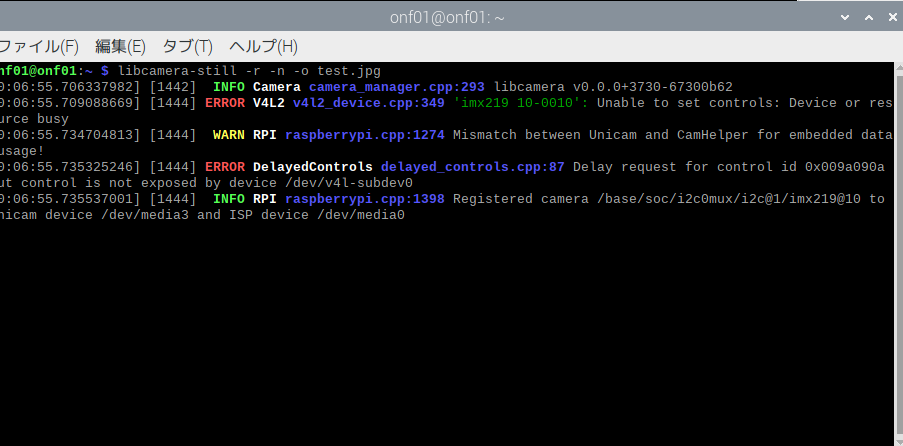
The first one just checks that libcamera sees your sensors, the second confirms picamera2 is actually present. Often this is just an incomplete dependency install.
That ModuleNotFoundError: No module named 'picamera2' is the key. picamera2 isn’t actually installed, so the program can’t talk to the cameras and falls back to that “not available right now” error.
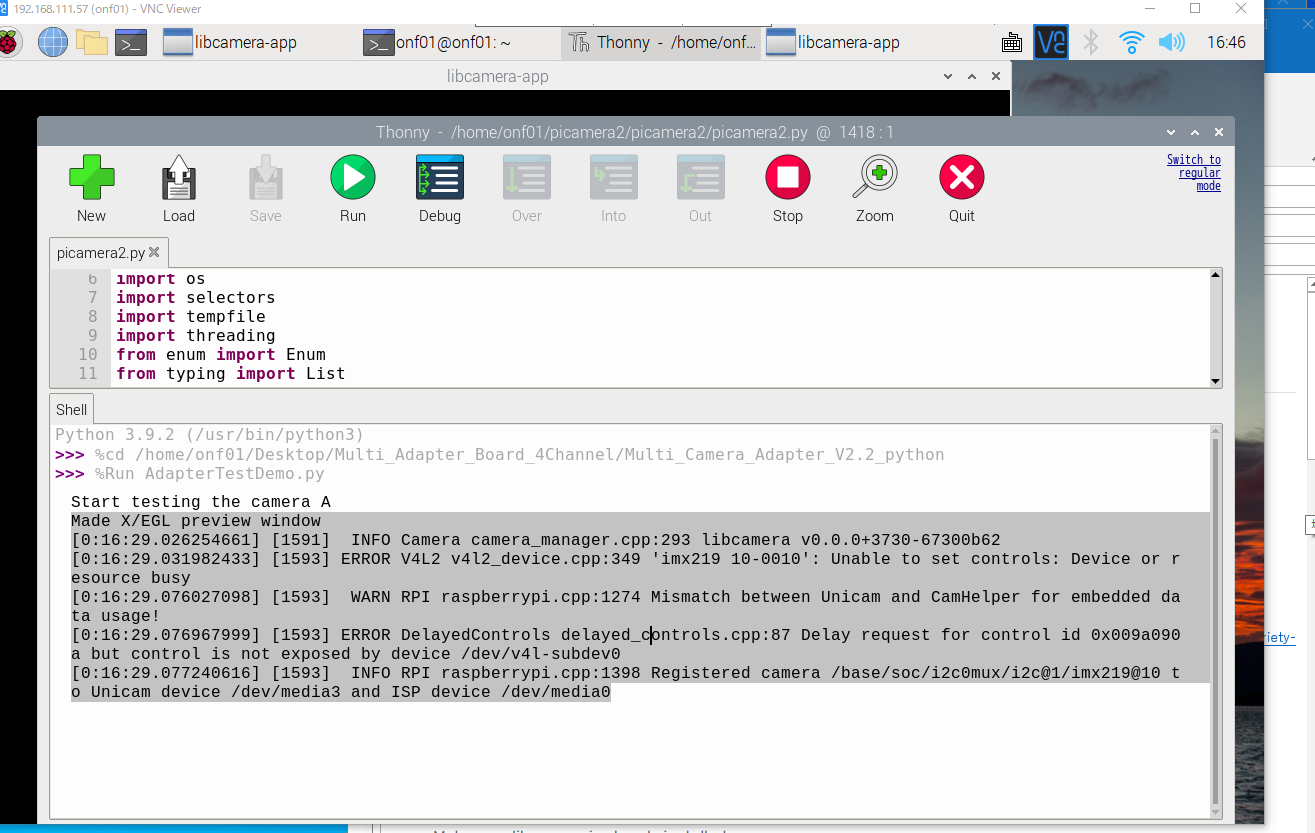
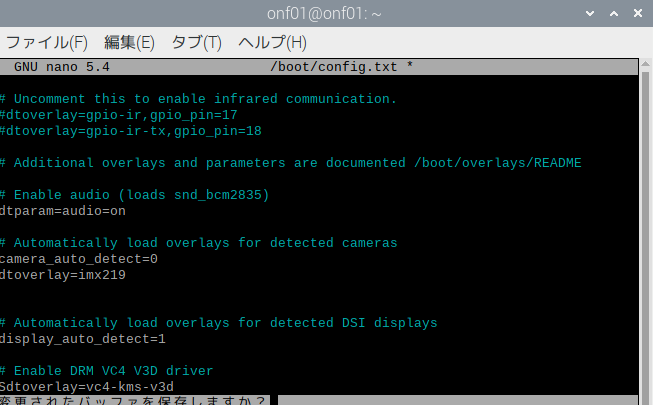
Alright, I started over on a clean setup. I put in a new SD card, installed Raspberry Pi OS, then installed libcamera and picamera2 and followed the steps in the guide. I also edited config.txt for the Camera Module2 (Sony IMX219) boards since that’s what I have - see the third screenshot.
Now instead of the old error I get two new errors. Screenshots of both here:
config.txt change:
For reference this is a fresh SD card with Raspberry Pi OS, libcamera installed, picamera2 installed, 2x Camera Module2 Sony IMX219 8MG V2.1, and Python 3.9.3 now.
Also, does a plain picamera2 test still work (i.e. can it open a camera on its own), or does it fail too? Trying to work out whether this is your config or the program itself.
And a basic picamera2 capture seems to work fine on its own, so the cameras and picamera2 are OK. It’s specifically the Arducam program that throws the two errors from my screenshots. Nothing in config.txt seems to change it - I already tried both with and without my IMX219 edits.
Thanks for confirming - that’s exactly what I needed.
I re-checked your screenshots against the current code, and the culprit is on our side: the picamera2 source code was updated and its behaviour changed, which means the Arducam program is no longer compatible with the newer picamera2 version. So your fresh install is correct - Raspberry Pi OS, libcamera, picamera2 (0.3.12), Python 3.9.3, and your config.txt for the 2x Camera Module2 (Sony IMX219) all look fine. The break is an upstream picamera2 change, not your setup.
The fix requires changes to the vendor program to restore compatibility with the updated picamera2. No action needed from you right now - I’ll post back here once the updated program is ready so you can try it.