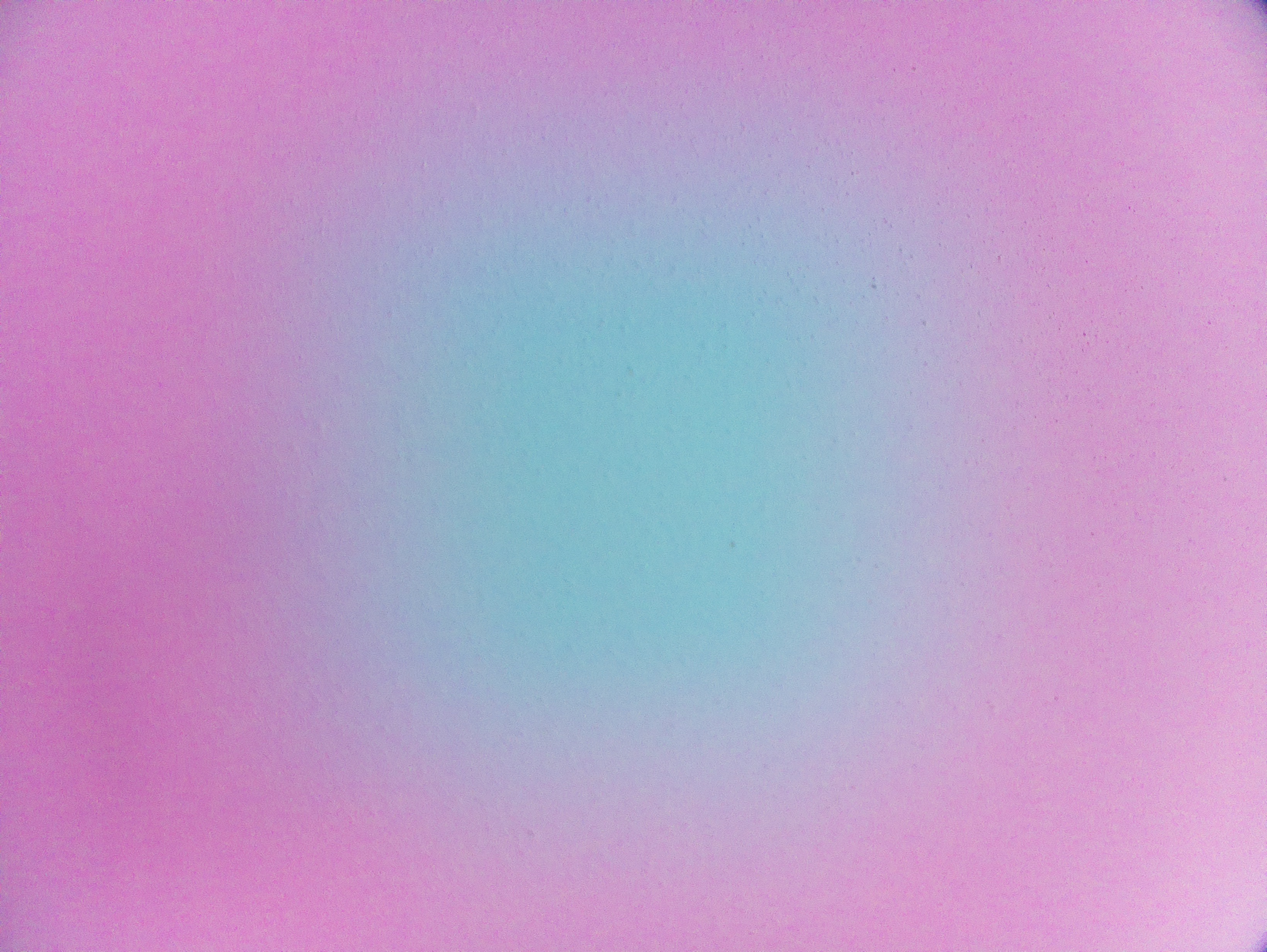
Hi, I’m getting a pink hue in all my captured images. A white wall comes out looking pink and the colors are just off. Here’s a sample:
The strange part is it used to work properly, and now it quit working. Images are always captured without the IR filter, even in full daylight. It’s like the IR-CUT filter never engages anymore.
Thanks for the details. Can you tell me a bit more about your setup? Specifically: which Raspberry Pi model, which camera module exactly, and which quick-start guide you followed? Also, what command or code are you using to capture, and have you changed anything recently?
Sure. Platform is a Raspberry Pi 5, and the camera is an Arducam Sony IMX219 LS-1820 NOIR IR-CUT (8MP CS mount night version). I followed the native camera quick start guide here: Quick Start Guide - Arducam Wiki
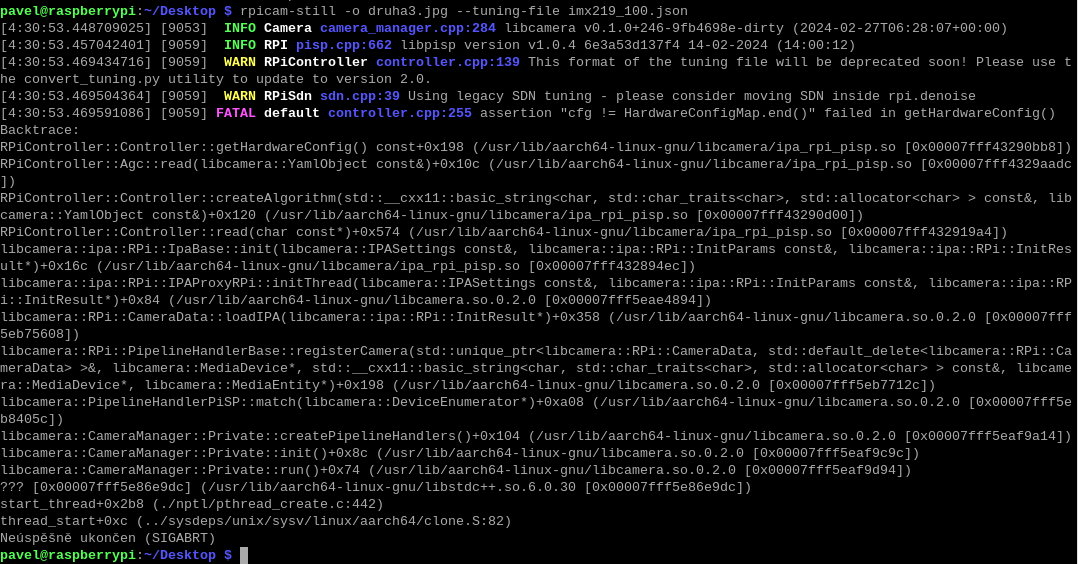
I ran libcamera-still successfully during setup, so the camera is recognized and captures fine otherwise. I also tried to fix the pink tint by applying a lens shadow compensation tuning file from the repository, but it ended with an error. Here’s the error I got:
Not sure if that error is related to the pink hue or a separate problem.
Got it. The IMX219 IR-CUT camera has two modes for the IR filter: automatic and manual. In automatic mode, the camera determines whether to use the IR filter based on the lighting conditions. In manual mode, you control whether the filter is enabled or disabled.
On the Raspberry Pi 5, due to hardware and software updates, the manual IR filter method is no longer applied. Compatibility between manual mode and the Pi 5 is still being worked on.
The pink hue you’re seeing is caused by incorrect color balance — effectively the IR filter is not being used even in daylight conditions. On a Raspberry Pi 4, there is a manual IR cut filter control workaround documented here: Quick start - Arducam Wiki
But just to be clear: manual IR filter control is not yet supported on the Raspberry Pi 5, so that workaround only applies to the Pi 4.
Thanks for explaining. Honestly I’d be satisfied if automatic mode just worked correctly, but the pink hue is pretty annoying. That’s why I tried compensating the lens shadow using a tuning file from the repository — but that ended with the error I showed above. Is there a different tuning file I should be using for the Pi 5?
Right, the pink hue persisting on the Raspberry Pi 5 with the IR-CUT camera is expected given the current state of support. The tuning file you tried from the repository was for lens shadow compensation, which is why it errored out in your case.
I have sent you a tuning file through private message. Please check your messages and try that one instead — it’s the recommended next step for your setup.