Hi everyone, I just received the Arducam RGBD ToF Depth Camera Kit with RPi5 inside and I’m running into problems right out of the gate.
I followed the documentation at the official link and while the folders/programs under “Software – Single ToF” are present and seem to work, everything under “Software – RGBD All-in-one kit” is completely missing from the SD card. Looks like maybe the wrong image was shipped?
Also, I only see compiled binaries — is there any Python code available? My whole project relies on Python and I need to use these modules programmatically. The documentation doesn’t seem to cover that. Anyone else run into this?
Thanks for reporting this. I’ve looked into it and it does appear the SD card may have been shipped with an image that only includes the Single ToF software rather than the full RGBD All-in-one kit package.
We’re working on getting both the documentation and the SD card image updated to resolve this. I’ll follow up here once everything is ready — should be within a couple of business days.
Alright, the updated docs helped a lot — most things are working now. But I’m still stuck on two issues:
Issue 1 — Rviz2 visualization not working: When I run rviz2 (tried both locally on the RPi via another terminal and over the local network), I get this error:
[rgbd-sdk] [error] [rgbd_impl.cpp: 322] failed to read depth frame_ext: timeout
Issue 2 — Pre-built Point Cloud commands fail: The Software Guide says to use run-tof-pointcloud and run-rgbd-pointcloud, but both of these fail for me. However, if I follow the Developer Compilation Guide and build from source, the point cloud functionality works perfectly fine.
Anyone know what’s going on with the rviz2 timeout or the pre-built binaries?
Good to hear the documentation update got most things working. Let me address both issues:
Point Cloud issue: It sounds like the pre-built binaries (run-tof-pointcloud, run-rgbd-pointcloud) may have a compatibility problem or were built incorrectly. Since the developer-compiled versions work, I’d recommend sticking with the Developer Compilation Guide method for point cloud usage for now. We’ll investigate the pre-built binaries on our side.
Rviz2 timeout: That error at rgbd_impl.cpp:322 suggests a communication or timing issue between rviz2 and the RGBD SDK when trying to read the depth frame. This one is still under investigation — I don’t have a fix for it yet, but it’s on our radar.
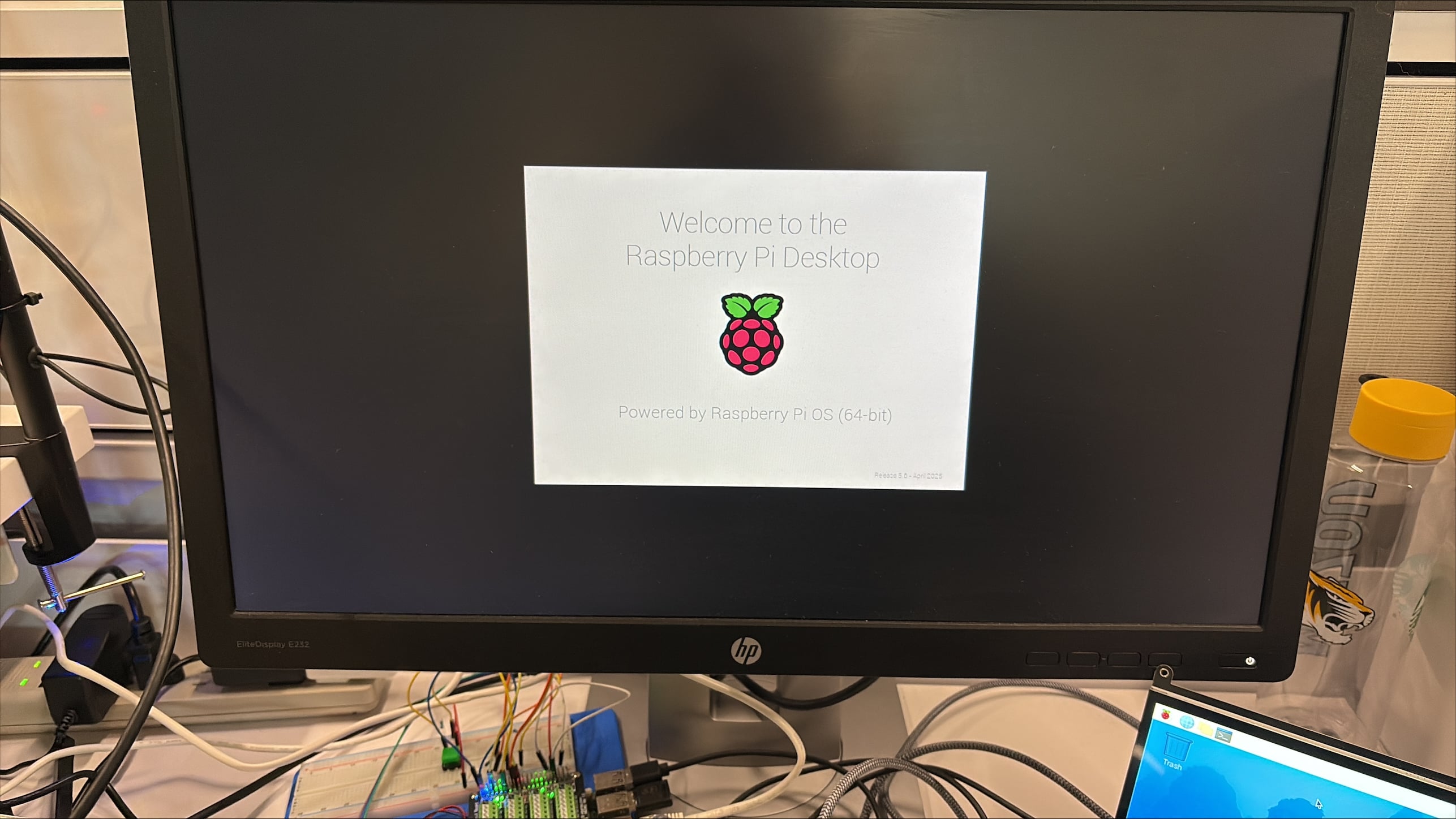
So I got a custom image from support to try and fix some of these issues, but now I can’t even get past boot.
The image is: RGBD_arducam-pivariety-2025-07-21-2025-05-13-raspios-bookworm-arm64.img.xz
Downloaded from SourceForge, flashed it to my SD card, and the RPi5 just hangs at the boot stage. Here’s a picture of where it gets stuck:
I’ve tried re-flashing a couple times with the same result. The previous image booted fine even if it had missing software. Anyone else tried this image?
Flash it onto the SD card again (maybe try a different flashing tool if you have one available)
Attempt booting once more
Let me know if it still hangs at the same spot. If so, could you share which specific RPi5 model/revision you’re using and what size/brand of SD card? That’ll help narrow things down.