Hi, I’ve got an Arducam Pivistation 5 that has never really worked properly. I think something went wrong when it upgraded during the first installation. The camera streamer at 10.254.10.1 starts up, but it never shows the MJPEG stream. I’ve tried flashing the microSD with images B0528 and B0513 using both Raspberry Pi Imager and Balena Etcher on a MacBook Pro, but no luck. I also followed the online recovery instructions. Is there any way to get a working microSD image? The product is basically unusable right now.
Thanks for the details. Before we dig in, can you post a couple of photos of the front and back of your Pivistation 5 so we can confirm the exact variant? Also, what does CPU usage look like while that camera streamer service is running? You can check with top or htop. And which image version are you currently booted into?
Here are the photos, front and back attached.
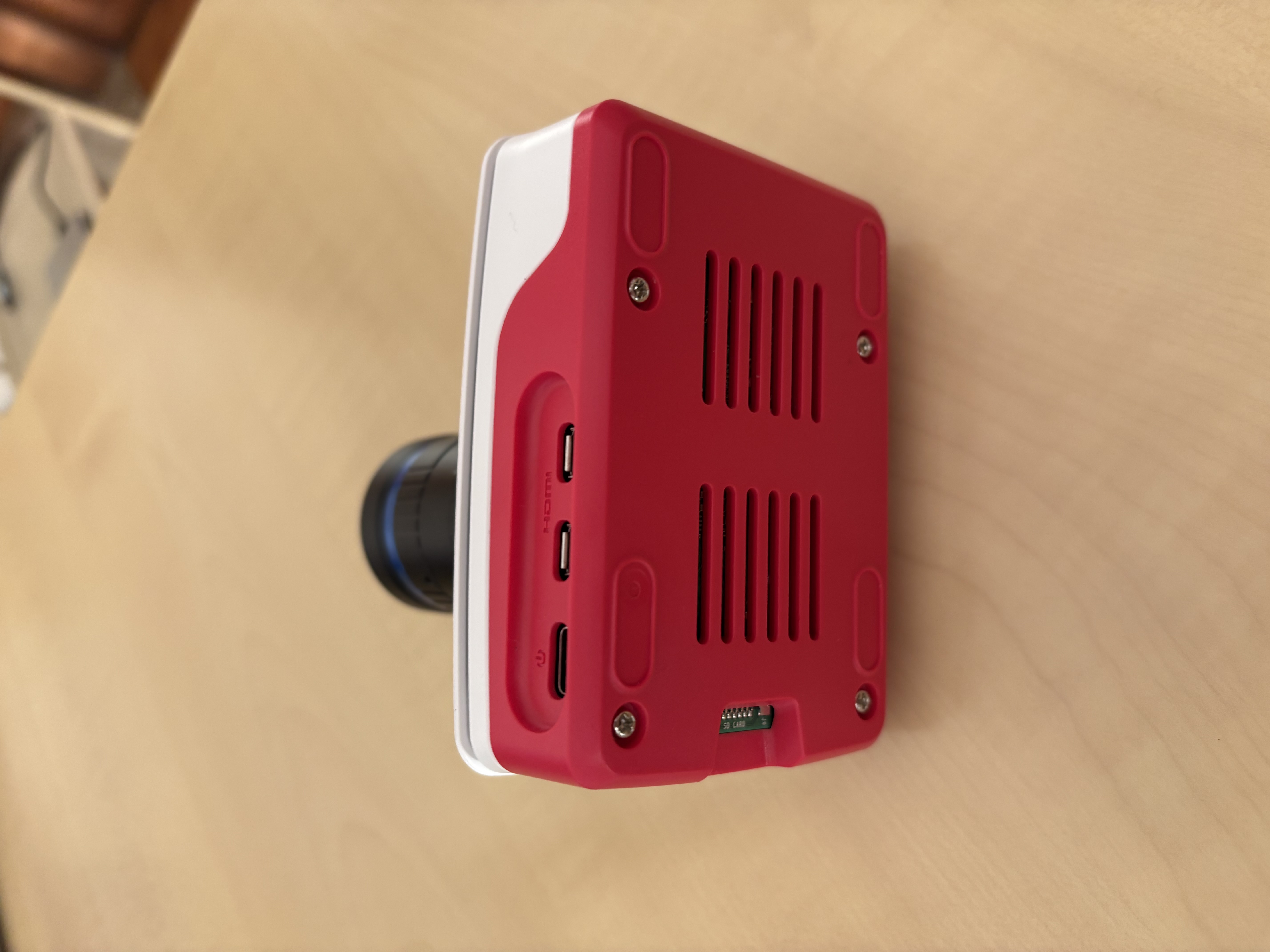
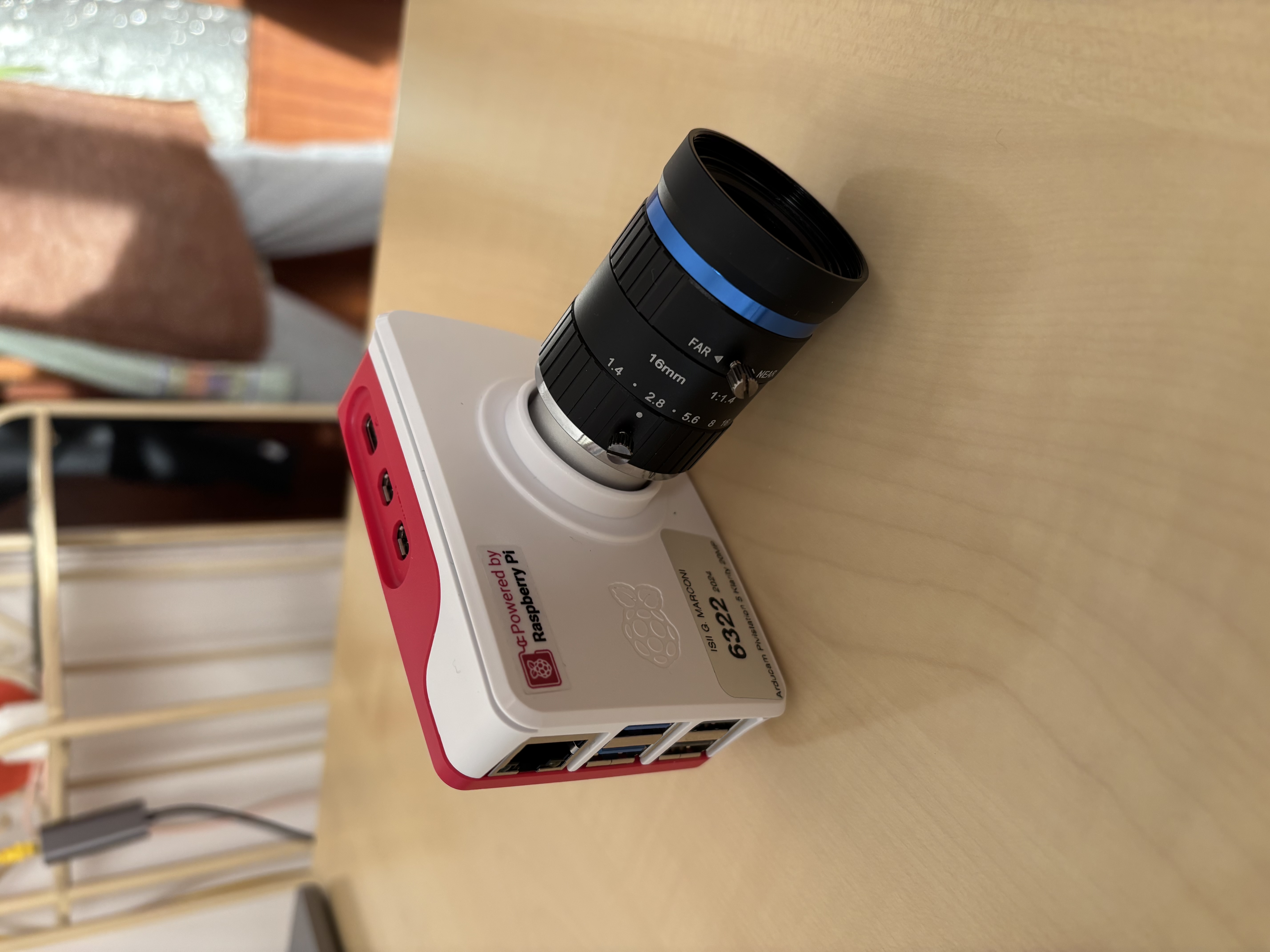
Details of my setup and what I’ve tried:
Product: Arducam Pivistation 5
Platform: Arducam Pivistation Klarity
Flashing tools: Raspberry Pi Imager and Balena Etcher on a MacBook Pro
Working image: B0502_B0504_arducam-pivariety-2024-05-22-2024-03-15-raspios-bookworm-arm64 (this one works)
I flashed B0528 and B0513, but both have the same problem. The service at 10.254.10.1 that starts the camera streamer on boot pushes the CPU to 100% and it stays there until I stop the service. Before that, the camera streamer page just wouldn’t show the mjpeg stream at all. The B0502_B0504 image works fine, it’s the newer ones that don’t.
Thanks, that matches what we’re seeing. We reproduced the same behavior on our end: the camera streamer service starting at boot drives the CPU up to 100%. It’s a known performance issue with the camera streamer service, and our team is actively working on optimizing it to bring the CPU load down while keeping streaming stable. There’s no direct fix yet, but I’ll update here as soon as one is ready.
Quick update on this. We traced the high CPU usage to the camera-streamer having all network transmission modes enabled by default. As a workaround, you can disable the modes you don’t need through command-line parameters. Try running it like this:
./camera-streamer --camera-type=libcamera --camera-format=YUV420 --camera-width=2028 --camera-height=1080 --camera-allow_dma=0 --http-listen=0.0.0.0 --camera-software_encoder=1 --webrtc-disable_client_ice=1 --camera-video.disabled=1 --camera-stream.disabled=1
Disabling the unused video and stream modes (as in the example above) should cut the CPU usage significantly while keeping the streaming you need. In a future update these disable options will be exposed directly in the web interface, so you won’t have to pass them on the command line.