Hi everyone, hoping someone can help. I’ve got an Arducam for Raspberry Pi Camera Module 3 (12MP IMX708, 75° autofocus, Pi Camera V3) with a 15-22pin FFC cable connected to a Raspberry Pi 5, and it just won’t show up. When I try to use it I get ‘no camera detected or found’. I’ve reseated the cable a bunch of times and no luck.
Welcome! Let’s gather some details first. Can you confirm the exact OS you’re running and what changes you’ve made to config.txt so far? Also, have you already tried any troubleshooting steps like different cables?
Sure. Platform is Raspberry Pi 5. I’ve already tried several different ribbon cables, and I also changed camera_auto_detect from 1 to 0 and added the dtoverlay line for the camera in config.txt. Still not detected after all of that.
Thanks. Can you post a few photos of the physical connection, both at the Raspberry Pi end and at the camera end? The Pi 5’s camera connector can be fussy and photos help me check cable seating and contact orientation.
Here you go:
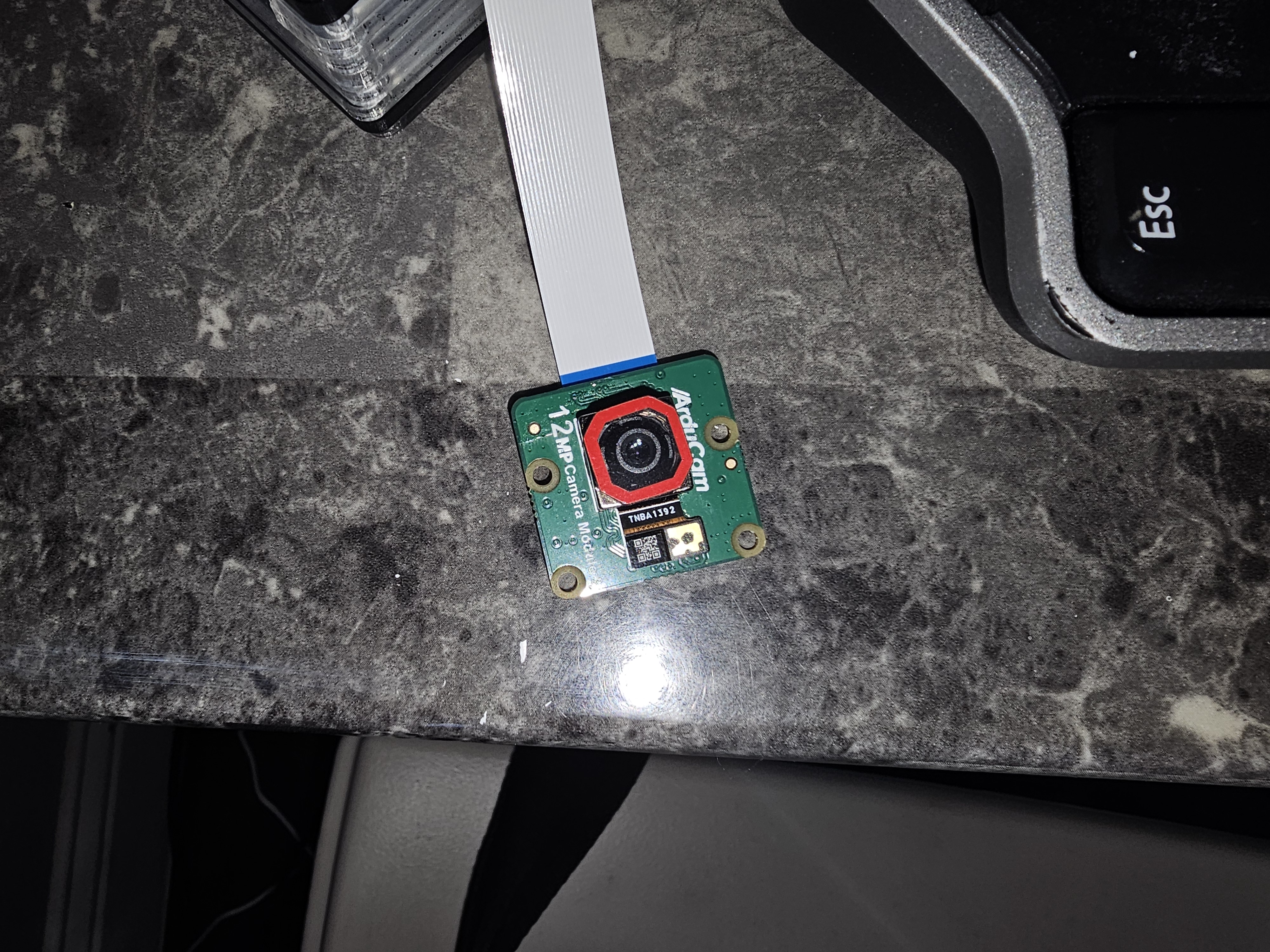
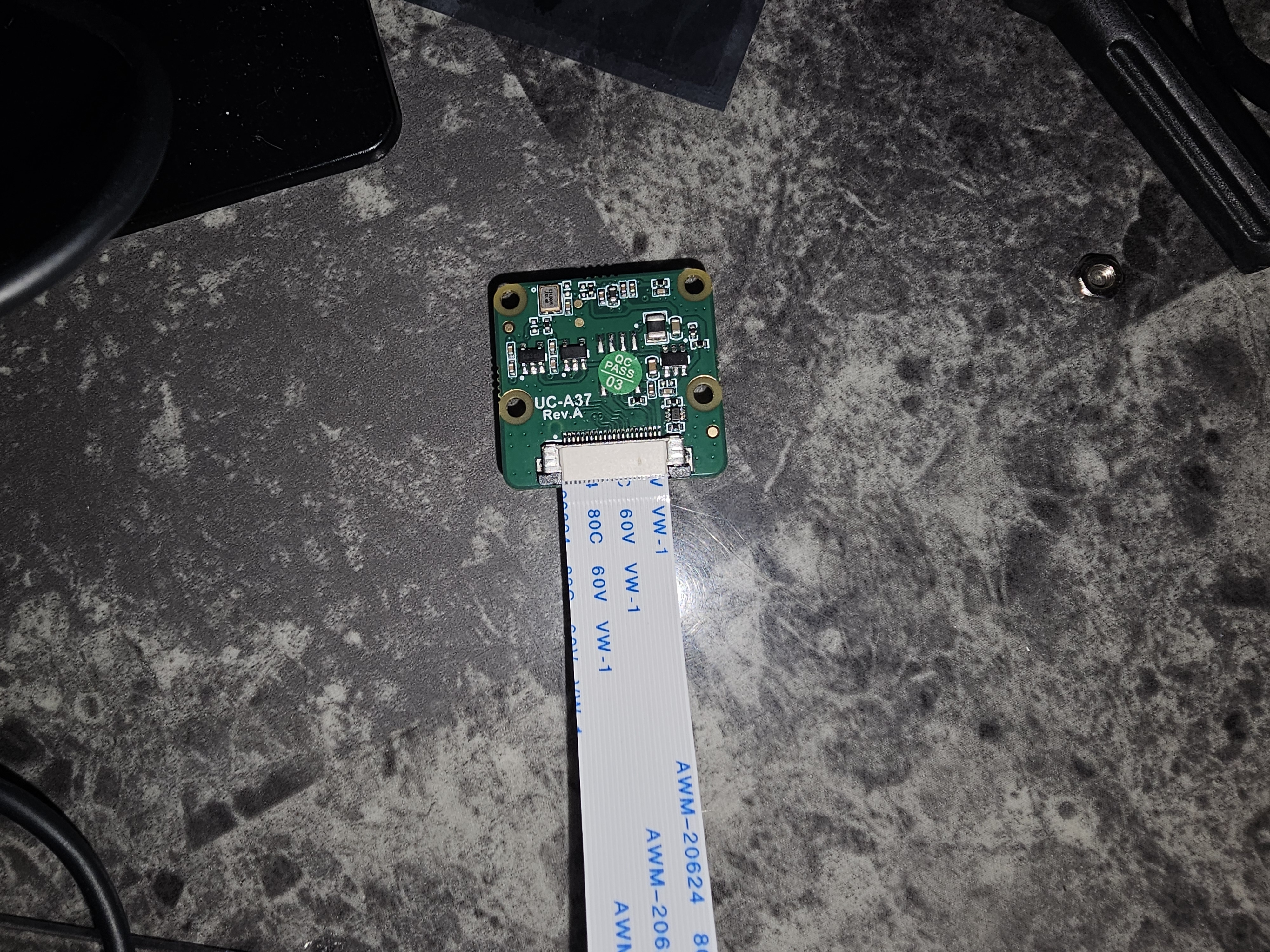
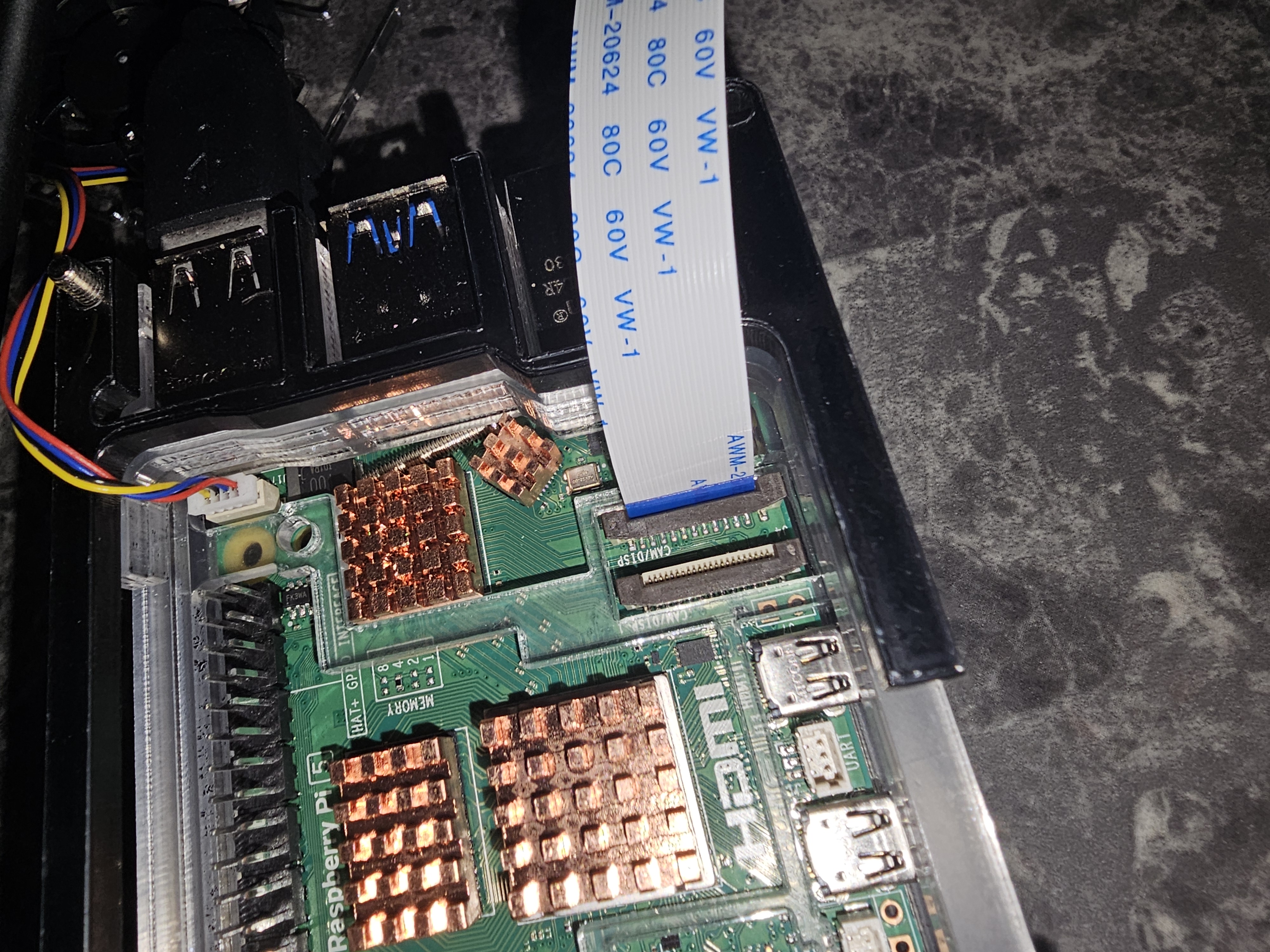
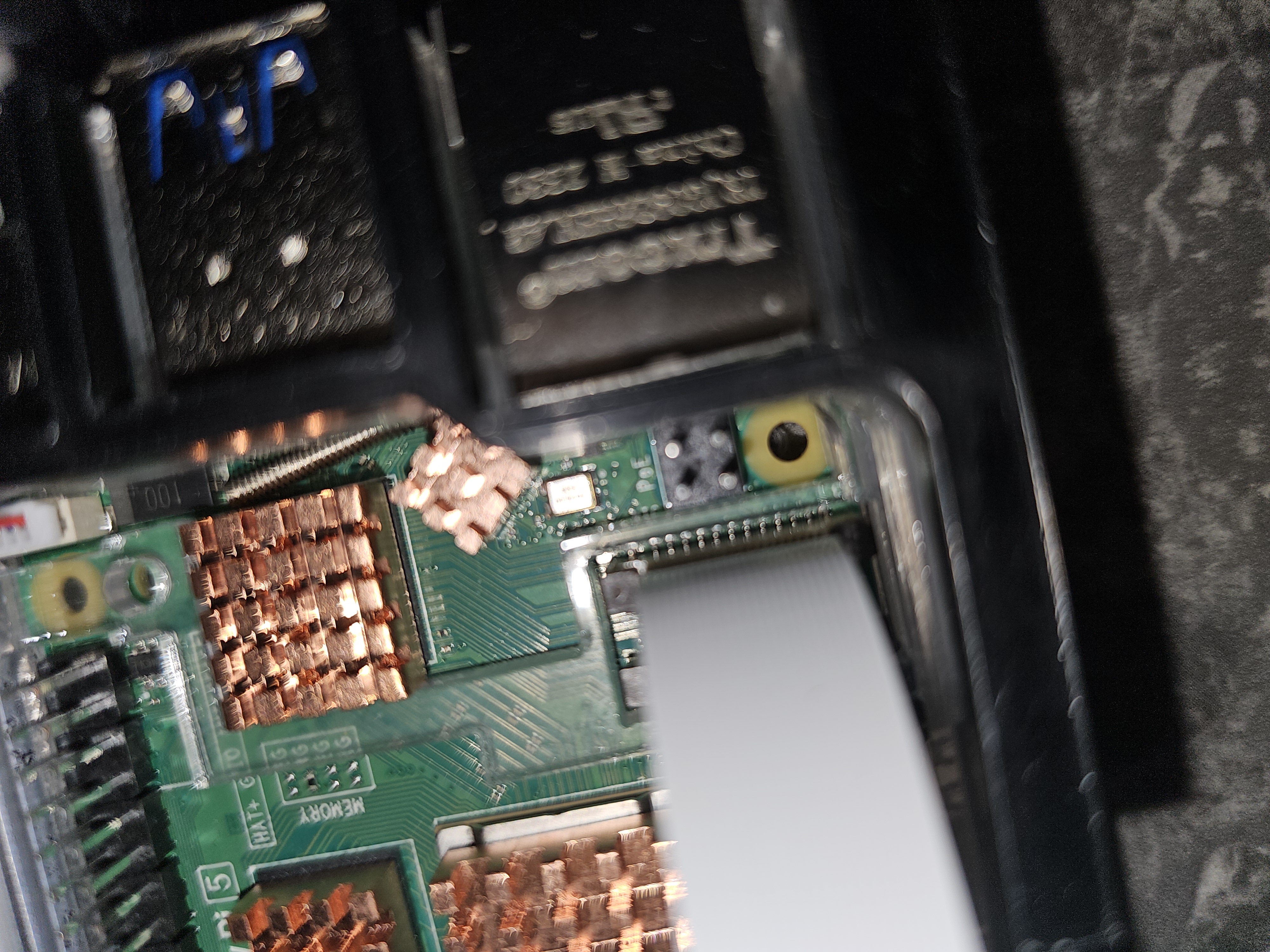
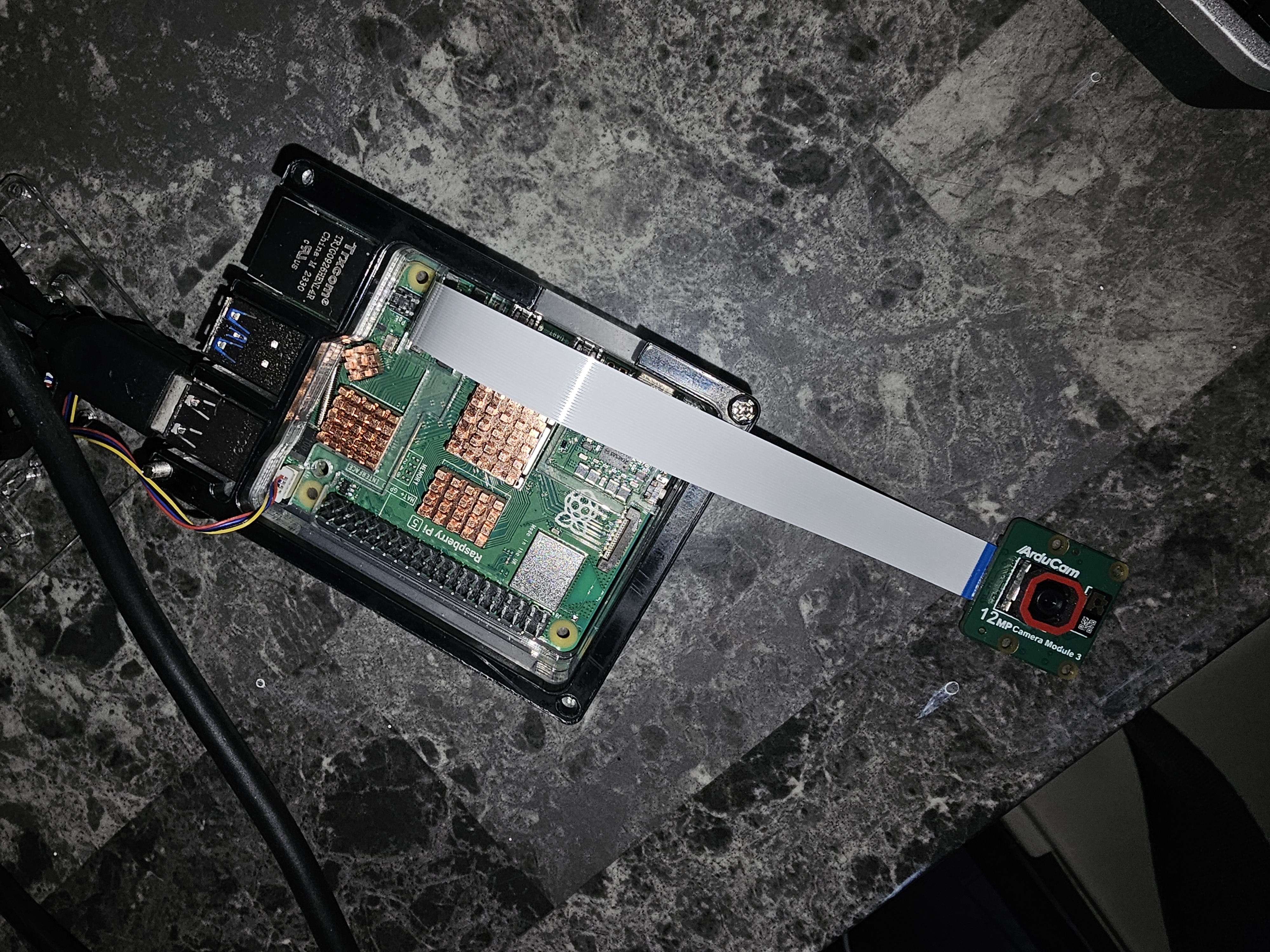
Let me know if you need a different angle.
Thanks for the photos. Next, let’s pull a diagnostic report so we can see what the Pi is actually seeing. Please follow these steps:
- Reboot your device.
- Download the bug report tool:
wget -O arducam-camera-bug-report https://github.com/Dion4cen/arducam-camera-bug-report/releases/download/Tool/arducam-camera-bug-report
- Set executable permissions:
chmod +x ./arducam-camera-bug-report
- Run it:
./arducam-camera-bug-report
That will create an arducam-bug-report.txt in the current directory. Please send me that file through private message so I can review it.
Okay, I rebooted and ran the tool. It generated arducam-bug-report.txt. I’ve sent that to you in a private message. I also had an older bug-report.txt from a previous attempt and included that too in case it helps.
Received both files, thank you. I’m going through them now. In the meantime, one thing to double check: on the Pi 5, make sure the cable is fully inserted and the contacts are facing the right way, since it’s easy for it to look seated but not actually make contact. Are you getting any sign of life from the camera at all?
Just double-checked the cable seating again on both ends and the contacts look aligned. Still no camera detected. Do you see anything in the report yet?
Still analyzing, so no final answer yet. To summarize where we are: you’ve tried multiple cables, switched camera_auto_detect to 0 and added the dtoverlay, and the camera still isn’t detected. We now have your connection photos and the bug report. Right now it’s pointing toward either a physical connection issue or a software configuration problem, but it’s still under investigation. I’ll post back here with next steps once I finish reviewing the report.